Slideshow ideas for SaaS products and apps.
Updated 26 October 2026
Two example slideshows
Wavegrain drew both with its own slide renderer, using free-licence photos. They are examples, not customer posts. Swipe through each one.
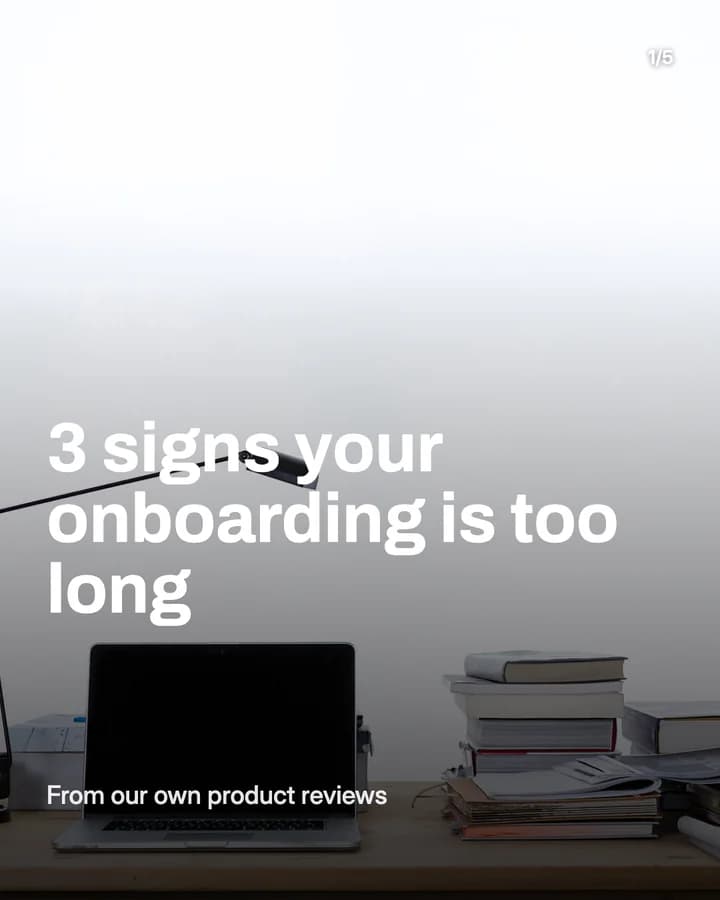
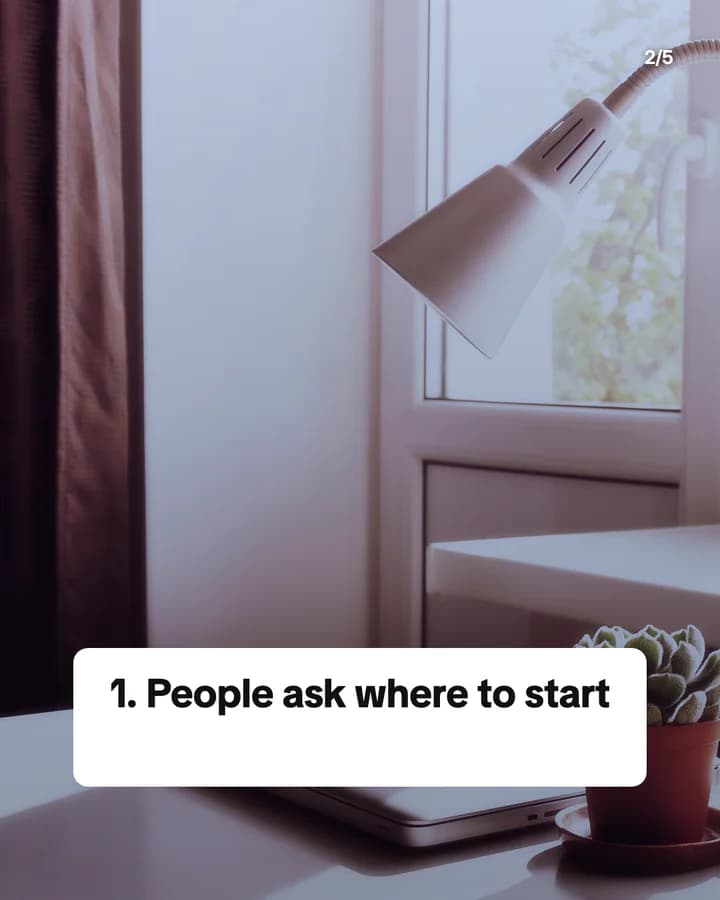
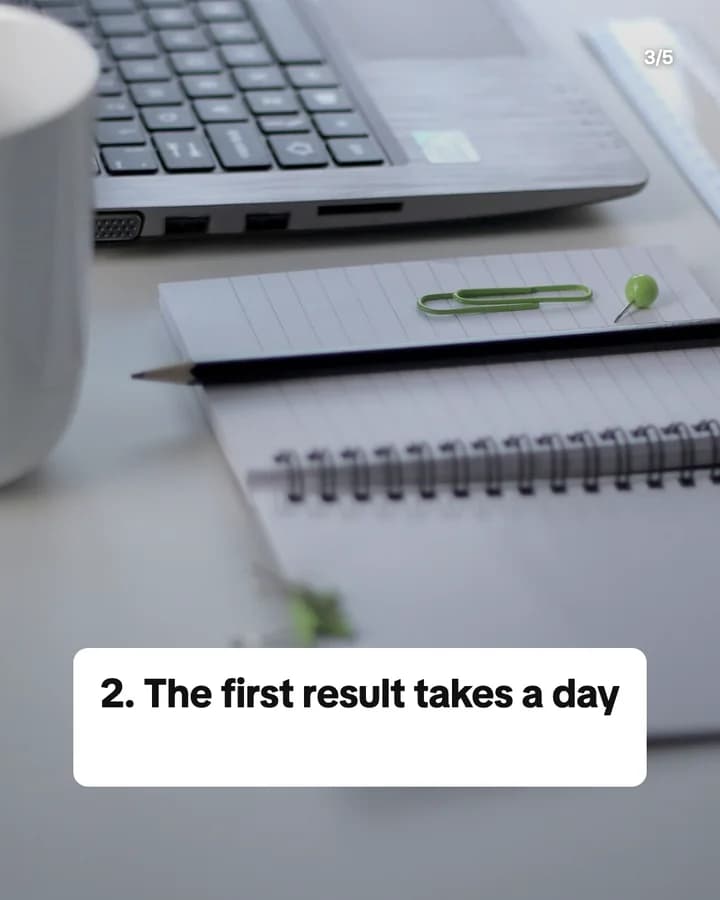
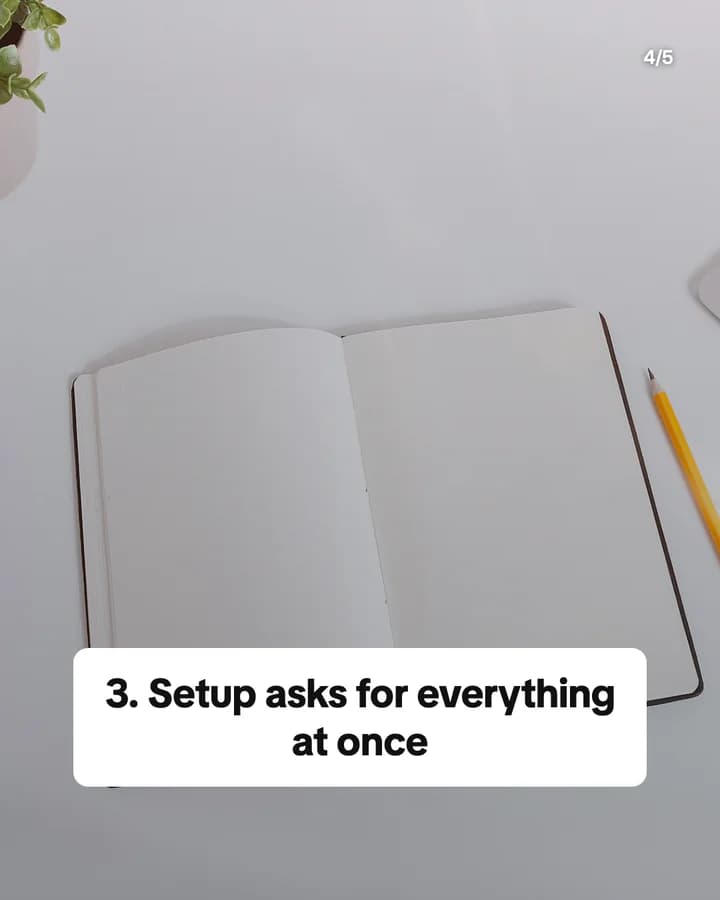
3 signs your onboarding is too long
5 slides · Listicle structure
Explain your feature in 3 slides
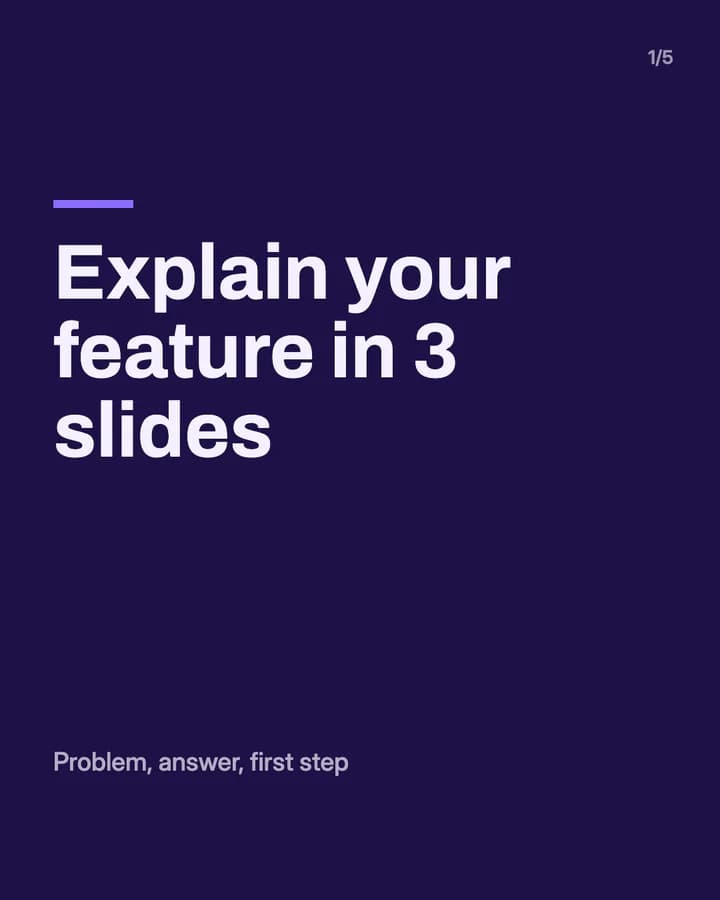
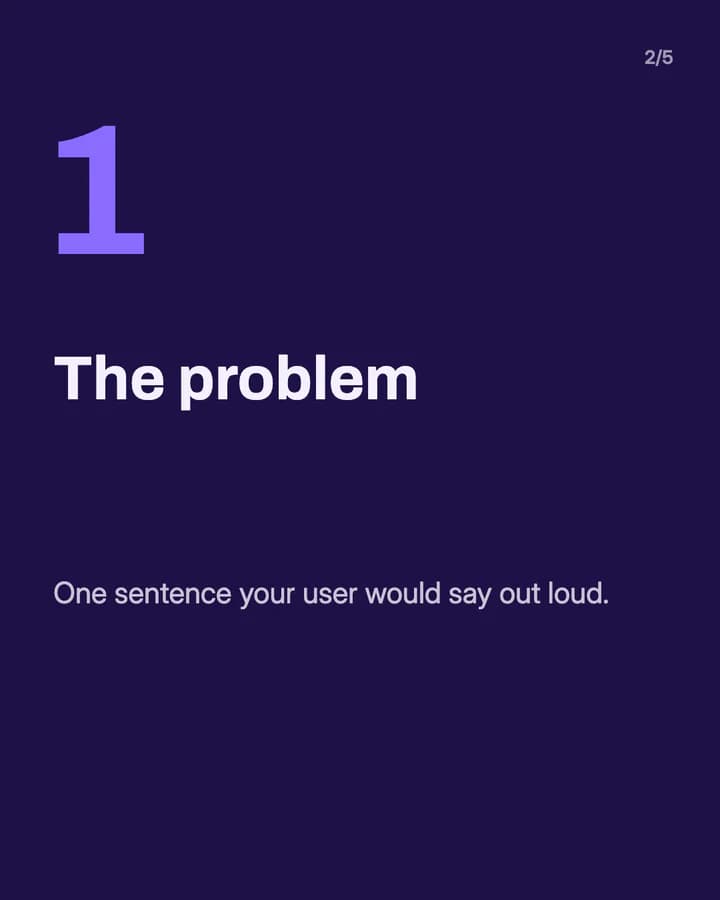
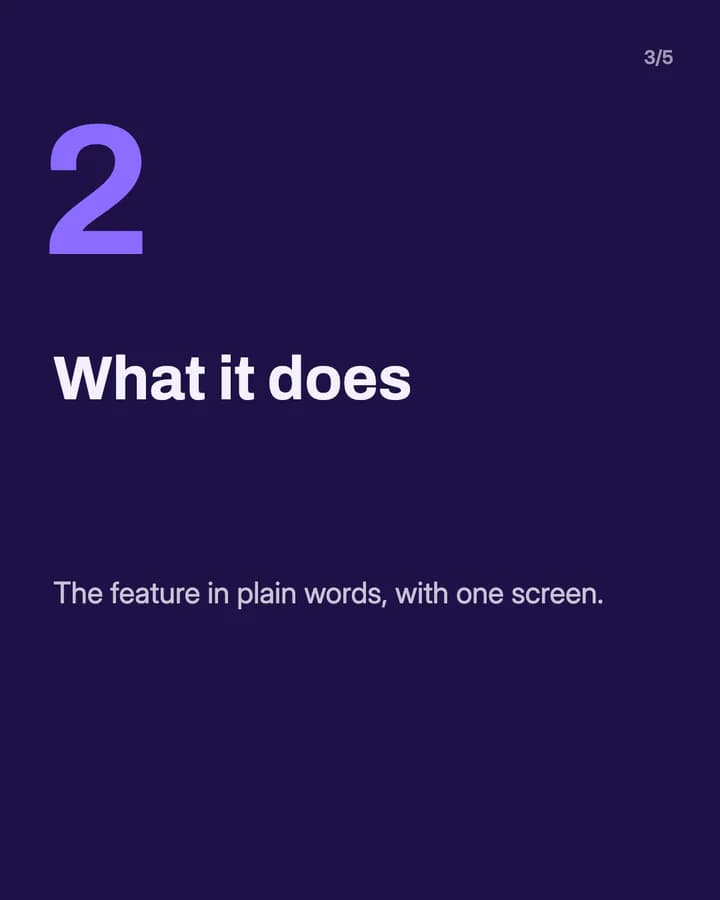
5 slides · App showcase look · Educational structure
10 hooks for SaaS and apps slideshows
“3 signs your onboarding is too long”
Listicle. Product people check their own product against each sign as they swipe.
“Explain your feature in 3 slides”
Template. A reusable shape is easy to save and use on the next launch.
“What we changed after reading support tickets”
Story. Real lessons from real users sound honest and are hard to fake.
“The setting most people never find”
Hidden feature. Users like to learn something new about a tool they already have.
“How to export a report in 3 clicks”
How-to. A small, exact task is what people search for when they are stuck.
“Spreadsheet vs a tool: when to switch”
Comparison. It meets the reader where they are now, not where you want them.
“What we shipped this month”
Changelog. Current users want to know what is new, and new users see the product moves.
“Mistakes we made on our first launch”
Story. Founders and makers want to avoid the same mistakes, so they read to the end.
“The question every new user asks”
FAQ. If many users ask it, many readers have it too.
“Save this before your next launch”
Save prompt. It ties the post to a moment the reader already has on the calendar.
Formats that fit
Each format is a look and a post structure you can pick in Wavegrain.
App showcase
Educational structure
One feature as problem, answer and first step, with a real screen on each slide.
Numbered list
Listicle structure
Three to five signs, tips or lessons, one per slide, each with one line on why it matters.
Step-by-step explainer
Educational structure
One task in the product in order, one click or screen per slide.
Breaking news poster
CTA structure
A new feature or release: what changed, who it is for, and how to try it.
Editorial profile
Story structure
A lesson from building the product, told by the person who learned it.
A week of posts
- Monday
- One feature explained as problem, answer and first step.
- Tuesday
- The question new users ask most, answered with real screens.
- Wednesday
- A lesson from building the product, as a short story.
- Thursday
- A how-to for one small task, one screen per slide.
- Friday
- What you shipped this week, one change per slide.
Rules to watch
- Screenshots must show the real product as it works today. Do not show a mockup of a feature you have not built.
- Do not invent metrics, user counts or reviews. If you share a number, it must be real and you must be able to back it up.
- Hide customer names, emails and data in every screenshot before you post it.
- Use images you have the rights to: your own screens, stock photos under their licence, or AI images for slides that are not screenshots.
Questions
What should a SaaS or app slideshow be about?
Something useful to the people your product serves: a feature explained in plain words, a short how-to, a lesson from building, or what you shipped this month. Teach first, and show the product where it helps.
Should I use screenshots or AI images?
Use real screenshots when you show the product, so people see what they will get. AI images fit cover slides and tips posts that do not claim to show the product.
Can an AI agent make slideshows for us?
Yes. AI agents such as Claude Code, Codex and Cursor can make slideshows through Wavegrain's MCP server, so a launch or a changelog can become a slideshow from the place you already work.
Does Wavegrain write the slides for me?
Yes. You give a topic, and Wavegrain writes the hook, the slides and the caption, places your screenshots or makes AI images, and keeps everything editable before you export it.
Which size should product slideshows be?
1080x1920 (9:16) fills the screen on TikTok. For an Instagram carousel, use 1080x1350 (4:5) or 1080x1440 (3:4). Wavegrain exports all three.