Product slideshow ideas for small online shops.
Updated 26 October 2026
Two example slideshows
Wavegrain drew both with its own slide renderer, using free-licence photos. They are examples, not customer posts. Swipe through each one.
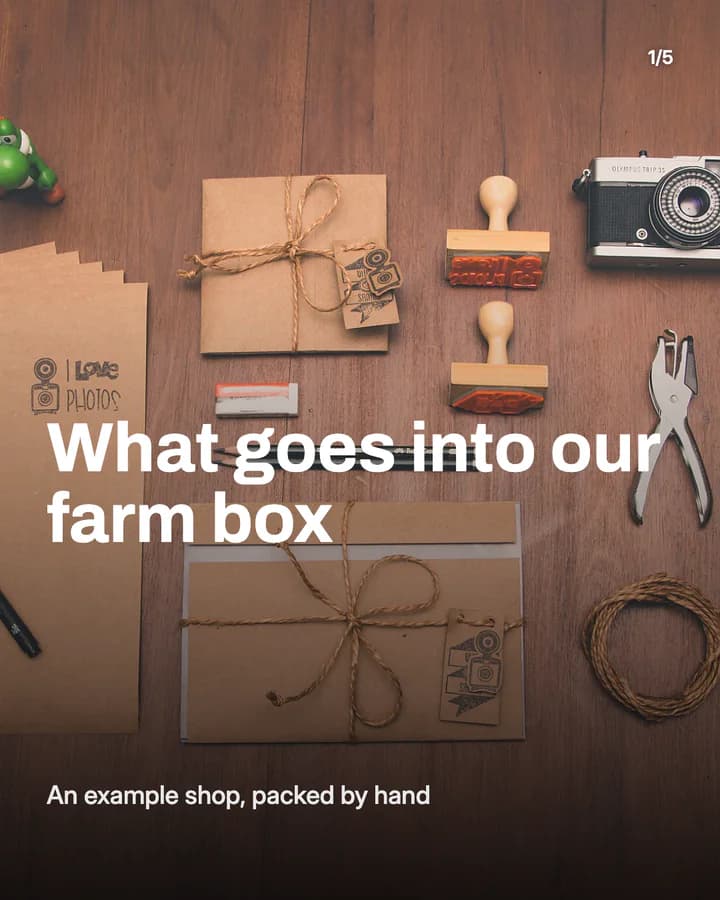
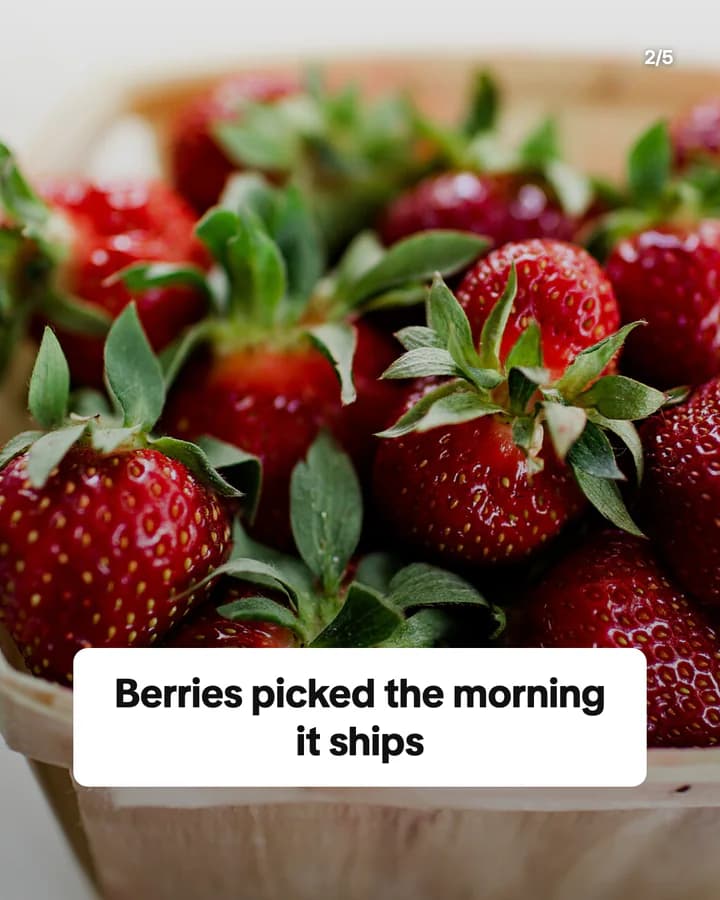
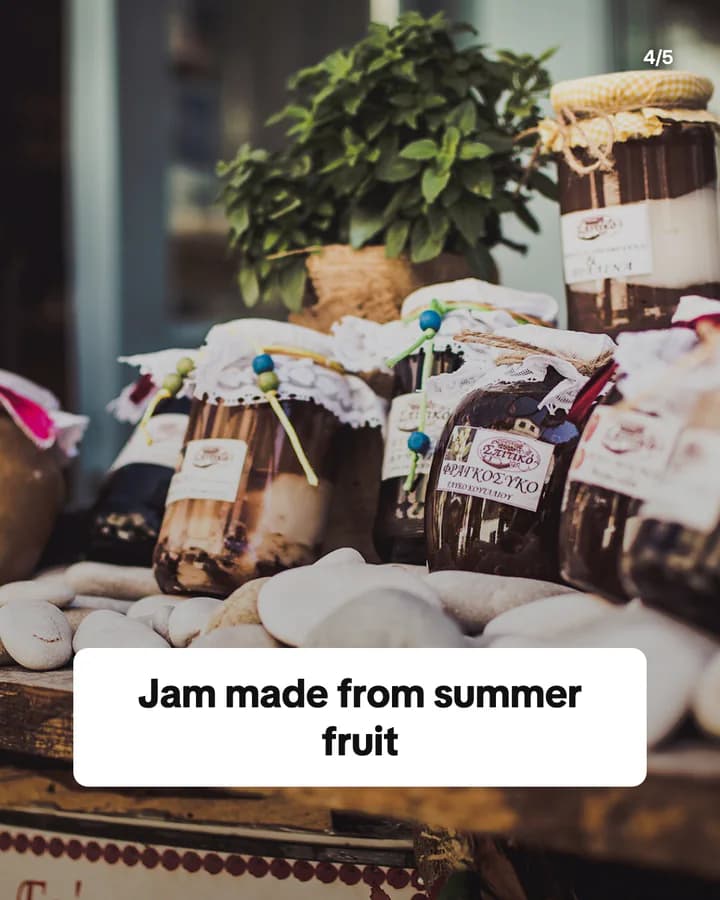
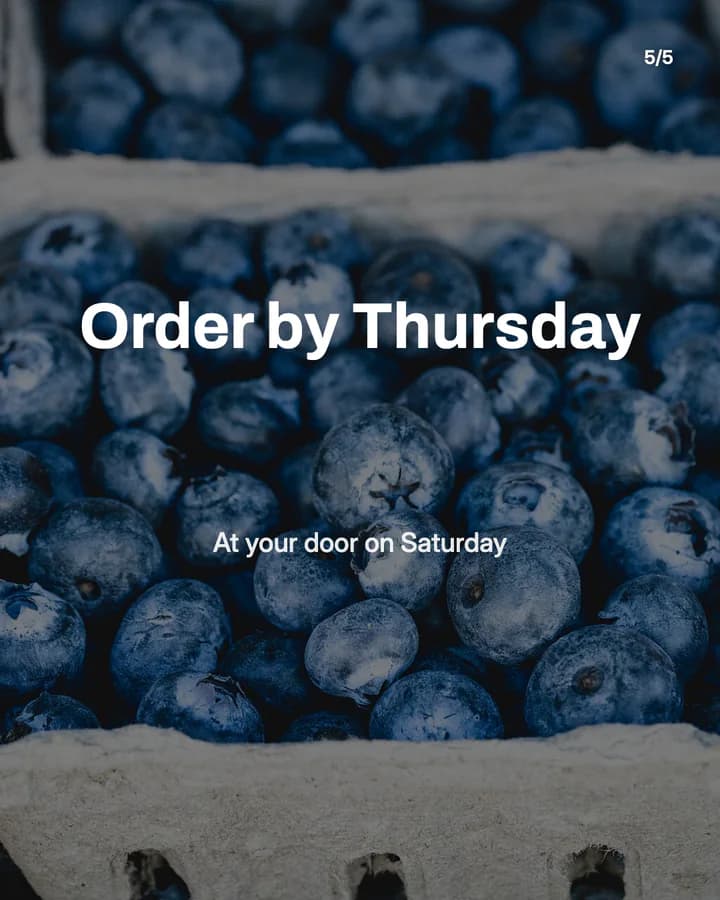
What goes into our farm box
5 slides · Listicle structure

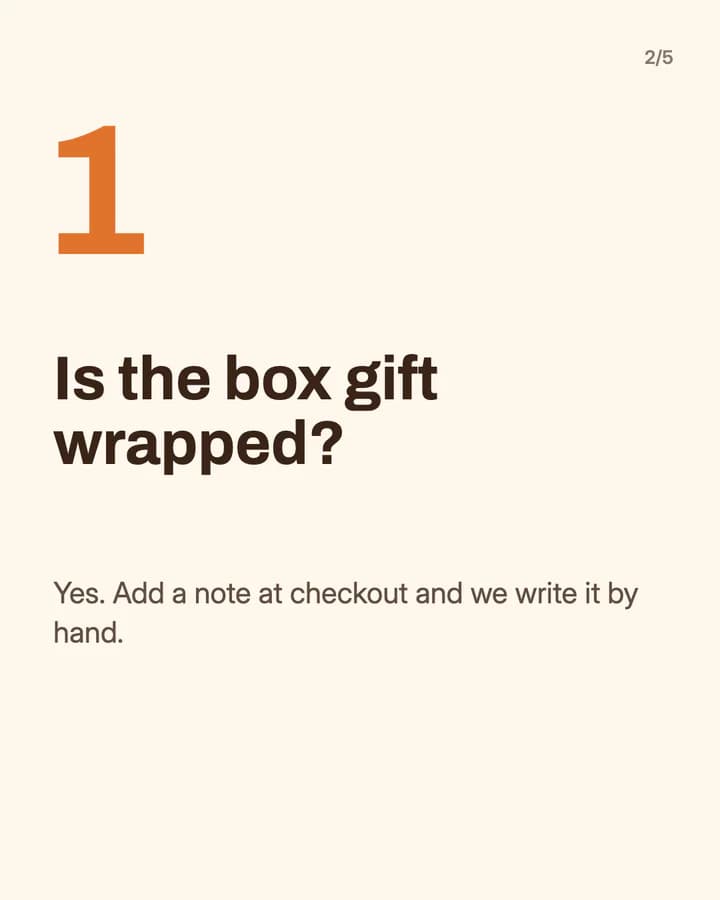
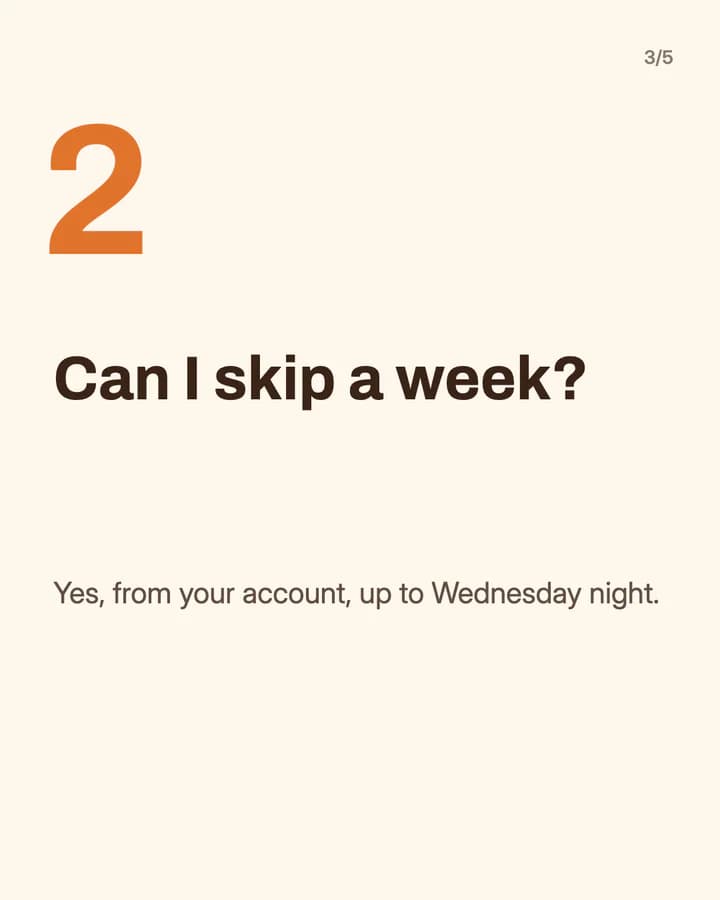
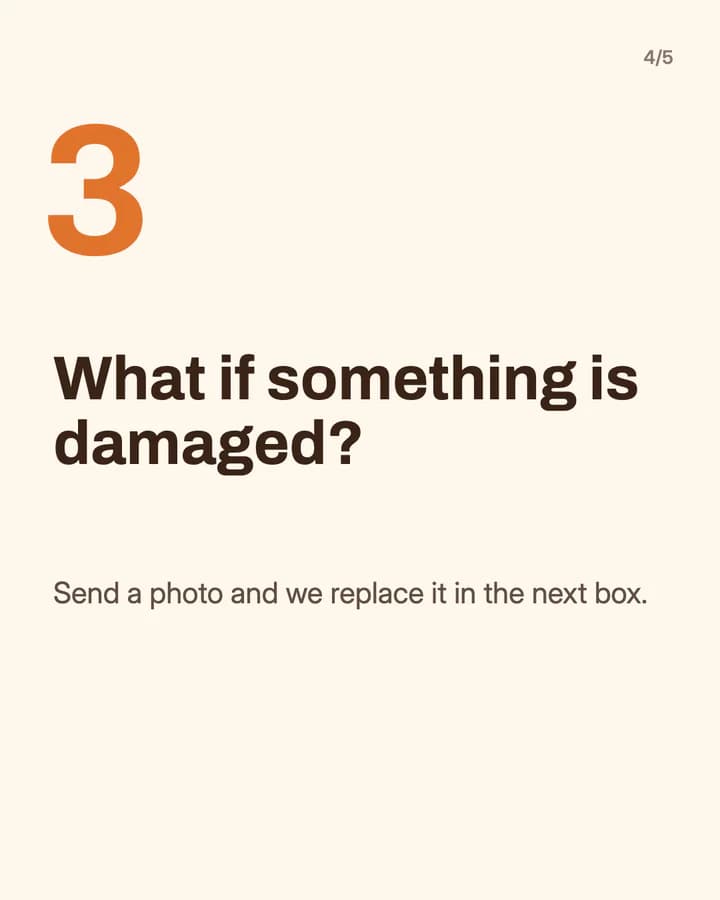
Questions we get every week
5 slides · Numbered list look · Educational structure

10 hooks for ecommerce slideshows
“What goes into our farm box”
Behind the scenes. People want to see what they get before they pay for it.
“Questions we get every week”
FAQ. It answers the doubts that stop people at checkout, in public.
“How we pack your order”
Process. Seeing the care behind a parcel makes a small shop feel real.
“3 ways to use one jar of jam”
Listicle. Ideas for use give the reader a reason to buy beyond the product itself.
“Which size is right for you?”
Guide. A choice the reader is unsure about is a common reason they leave the shop.
“Made by hand, start to finish”
Process. Each step shown is a step the reader did not know about, so they keep swiping.
“What our first batch looked like”
Story. An honest start makes followers feel they are part of the shop's story.
“Gift ideas for people who cook”
Gift guide. It names the person the reader is buying for, which makes the choice easier.
“Why our boxes ship on Thursdays”
Explainer. A plain reason behind a rule builds trust and answers a question before it is asked.
“Save this before you order”
Save prompt. It tells the reader the post is useful at the moment they are ready to buy.
Formats that fit
Each format is a look and a post structure you can pick in Wavegrain.
Editorial profile
Story structure
Behind the scenes: one product or one part of the process per slide, in your own photos.
Numbered list
Listicle structure
The questions customers ask most, one question and one short answer per slide.
Step-by-step explainer
Educational structure
How to use, care for or choose a product, one step per slide.
Quote card
Quote structure
One real customer review per slide, shared with the customer's permission.
A week of posts
- Monday
- What is new or back in stock this week, one product per slide.
- Tuesday
- The questions you got last week, answered one per slide.
- Wednesday
- A behind-the-scenes post on how one product is made or packed.
- Thursday
- Three ways to use one product, with a photo of each.
- Saturday
- A real customer review, with a slide on how and when to order.
Rules to watch
- Every product claim must be true and something you can show. Do not say organic, handmade or eco-friendly unless it is.
- When you show a price, show the price people will pay, including any tax your country requires, and say if shipping costs extra.
- If a creator or brand paid for the post, or you paid a creator, turn on the platform's paid partnership or branded content label.
- Use photos you have the rights to: your own, stock photos under their licence, or AI images. Show the real product, not an AI version of it.
Questions
What should a small shop post as slideshows?
Posts that answer what stops people from buying: what they get, how it is made, how to use it, and the questions you hear every week. One point per slide, and a last slide on how and when to order.
Can I use AI images for product slideshows?
Use real photos of the product itself, so people know what they will get. AI images fit around it, such as a background, a mood slide or a tips post where no one could mistake the picture for the product.
Can I post slideshows without showing my face?
Yes. Product photos, packing shots and hands at work carry a shop post well. Both examples on this page show no faces.
Does Wavegrain write the slides for me?
Yes. You give a topic, and Wavegrain writes the hook, the slides and the caption, places your photos or makes AI images, and keeps everything editable before you export it.
Which size should product slideshows be?
1080x1920 (9:16) fills the screen on TikTok. For an Instagram carousel, use 1080x1350 (4:5) or 1080x1440 (3:4). Wavegrain exports all three.