Slideshow ideas for coaches and consultants.
Updated 26 October 2026
Two example slideshows
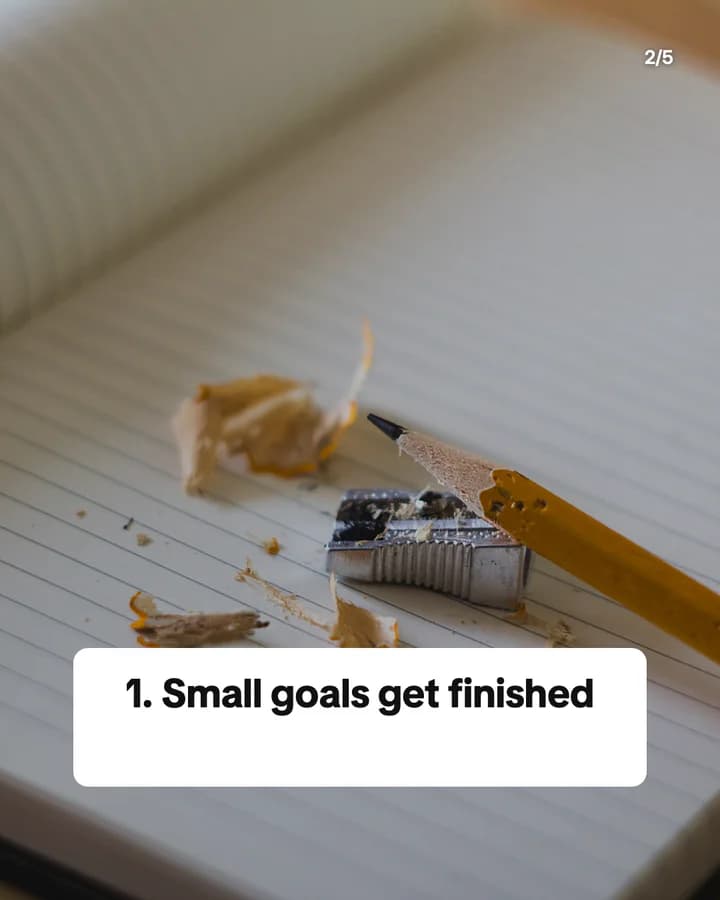
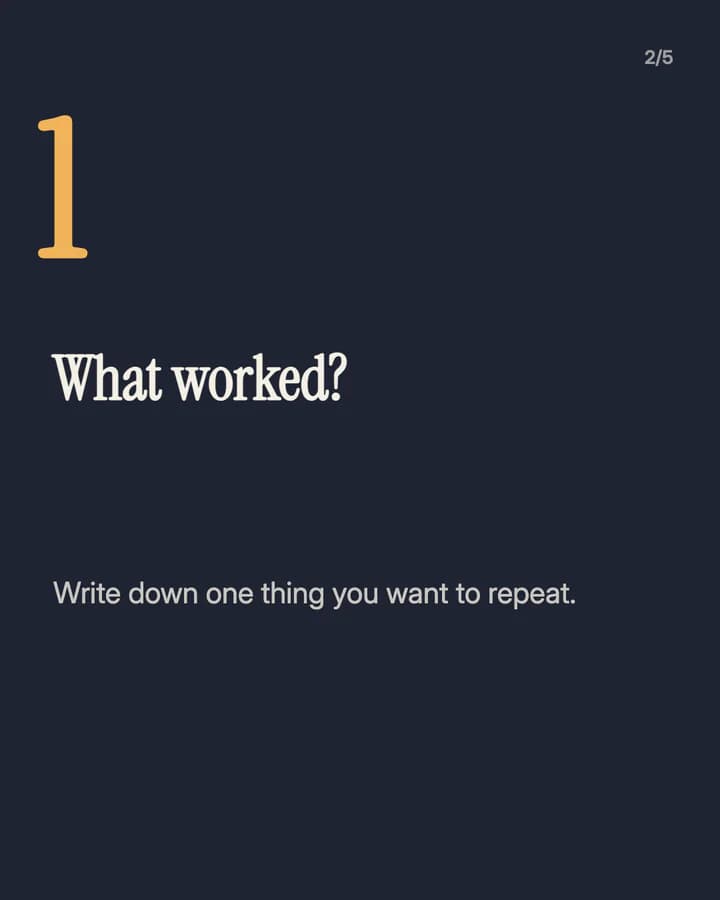
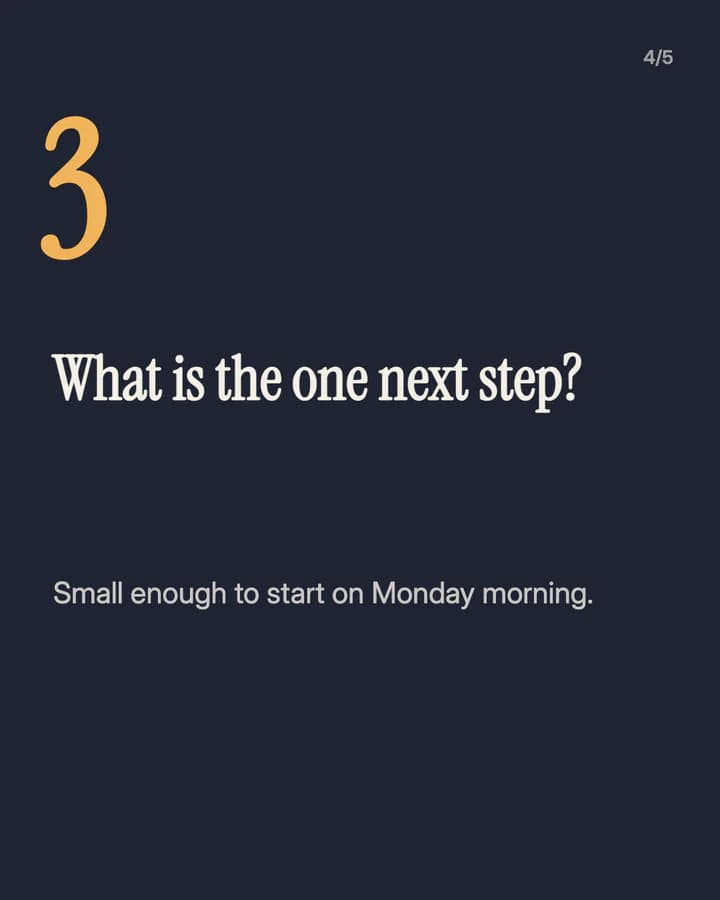
Wavegrain drew both with its own slide renderer, using free-licence photos. They are examples, not customer posts. Swipe through each one.
What I tell every new client
5 slides · Listicle structure




The 3-question weekly review
5 slides · Step-by-step explainer look · Educational structure



10 hooks for coaches slideshows
“What I tell every new client”
Story. It lets the reader hear the first session for free, which is a fair preview.
“The 3-question weekly review”
Plan. A short tool with a fixed size is easy to try and easy to save.
“Why your goals keep slipping”
Problem. It names a frustration the reader has, so they swipe for the cause.
“Stop planning your whole year at once”
Mistake. A warning against a common habit makes people check their own plans.
“The question I ask before every big decision”
Routine. One question is small enough to remember and use the same day.
“Busy vs productive: the difference”
Comparison. Two close ideas side by side make people stop and place themselves.
“5 questions to ask before you hire a coach”
Checklist. It helps the reader choose well, which builds more trust than a sales pitch.
“Coaching myths I hear every month”
Myth vs fact. People swipe to check whether they believe one of them.
“What a client taught me about saying no”
Story. A real lesson from real work shows how you think without a claim.
“Save this for your next Sunday”
Save prompt. It ties the post to a moment the reader already plans for.
Formats that fit
Each format is a look and a post structure you can pick in Wavegrain.
Step-by-step explainer
Educational structure
A short tool in order, such as a weekly review or a decision check, one step per slide.
Numbered list
Listicle structure
Three to five rules, signs or questions, one per slide, each with one line on why it matters.
Quote card
Quote structure
One line you say to clients often, on one slide, with a short note on what it means.
TikTok caption story
Story structure
A lesson from your own work, told as captions, with client details left out.
Myth vs fact
Educational structure
One belief about your field per slide, crossed out, with the plain fact under it.
A week of posts
- Monday
- One small tool for the week ahead, step by step.
- Tuesday
- A line you say to clients often, as a quote card.
- Wednesday
- Myth vs fact on one question people ask before they work with you.
- Friday
- A lesson from your week, told as a short story in captions.
- Sunday
- A weekly review your followers can do tonight in ten minutes.
Rules to watch
- Do not promise outcomes. Say what you help with, not what income, health or relationship result someone will get.
- Share client stories only with the client's permission, and leave out names and details that point to them.
- Say who you are and what training you have. If a topic needs a doctor, therapist or financial adviser, say so.
- Use photos you have the rights to: your own, stock photos under their licence, or AI images.
Questions
What should a coach post as slideshows?
Small tools people can use without you: a weekly review, a question to ask before a decision, the rules you give new clients, or a myth in your field and the fact behind it. Useful posts show how you work better than a sales post.
Can I post coaching slideshows without showing my face?
Yes. Desk, notebook and outdoor photos with clear text work well, and the words carry the post. Both examples on this page show no faces.
Can I use client results in my slideshows?
Only with the client's permission, and only when they are real and typical enough to be fair. Say that results depend on the person, and never promise the same result to someone else.
Does Wavegrain write the slides for me?
Yes. You give a topic, and Wavegrain writes the hook, the slides and the caption, places your photos or makes AI images, and keeps everything editable before you export it.
Which size should coaching slideshows be?
1080x1920 (9:16) fills the screen on TikTok. For an Instagram carousel, use 1080x1350 (4:5) or 1080x1440 (3:4). Wavegrain exports all three.