Study slideshow ideas that students save.
Updated 30 October 2026
Two example slideshows
Wavegrain drew both with its own slide renderer, using free-licence photos. They are examples, not customer posts. Swipe through each one.
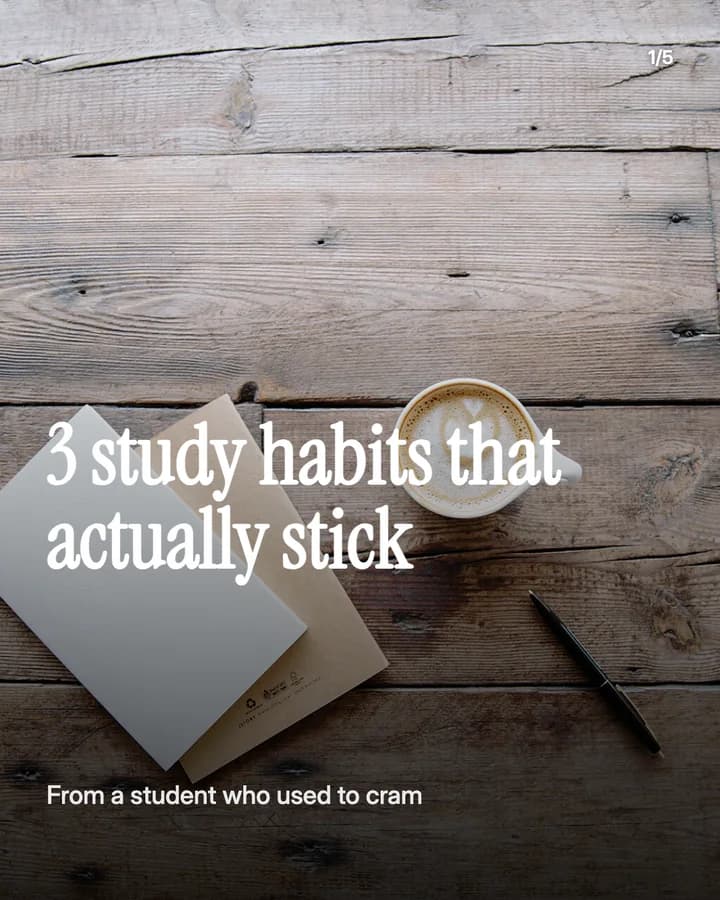
3 study habits that actually stick
5 slides · Listicle structure

The 25-minute study block
6 slides · Step-by-step explainer look · Educational structure

10 hooks for study slideshows
“3 study habits that actually stick”
Listicle. Students have tried many tips, and three feel easy to keep.
“How I stopped cramming the night before”
Story. Most students cram, and a way out is worth saving.
“The 25-minute study block”
Educational. A simple timer method is easy to try tonight.
“My revision week, day by day”
Routine. A full week in order is easy to copy for the next exam.
“Study myths I believed until my finals”
Myth vs fact. Readers check which myths they still believe.
“How I take notes in lectures”
Educational. Note-taking is a skill every student is searching for.
“Rate my study spots from 1 to 10”
Ranking. A ranking invites people to share their own favourite spot.
“What I wish I knew in my first year”
Story. It speaks to new students, who search for exactly this.
“My desk setup for long study days”
Recommendation. A setup people can copy is a setup people save.
“Save this for exam season”
Save prompt. It tells the reader the post is useful later, when they need it.
Formats that fit
Each format is a look and a post structure you can pick in Wavegrain.
Numbered list
Listicle structure
Habits, study spots or first-year lessons, one per slide.
Step-by-step explainer
Educational structure
A method in order, such as a study block, a note system or a revision plan.
Myth vs fact
Educational structure
One study myth and what to do instead per slide, such as rereading or all-nighters.
TikTok caption story
Story structure
Your exam week told as short captions over photos of your desk and notes.
A week of posts
- Monday
- A method to try this week, step by step, such as a timed study block.
- Tuesday
- A myth and what to do instead, one per slide.
- Thursday
- Your study spots or your note pages, ranked, with a question for the comments.
- Friday
- Your plan for the weekend's revision, day by day.
- Sunday
- Your week in captions: what worked, what did not, and what changes next week.
Rules to watch
- Never post exam papers, test answers or another student's notes. Your school's rules apply, and TikTok asks you to post only content you created or have the right to share.
- Keep classmates' faces and names out unless they say yes, and keep your school and timetable vague if you post about your day.
- If a study app or brand paid for the post, sent you something for free, or pays you a commission through a link or code, turn on the platform's paid partnership or branded content label.
- If you use AI to make a realistic photo of a desk, a person or a place, label it as AI-generated.
Questions
What should a study slideshow be about?
One method a student can try tonight: a study block, a note system, a revision plan or a myth to drop. Show your own desk and notes, not exam papers or someone else's work.
Can I run a StudyTok account without showing my face?
Yes. Desks, notes, books and timers carry a study post. Both examples on this page show no people's faces.
Can I share my class notes?
Your own notes, yes, if your school allows it. Do not post exam papers, test answers, or notes and slides that a teacher or another student made without their yes.
Does Wavegrain write the slides for me?
Yes. You give a topic, and Wavegrain writes the hook, 3 to 10 slides and the caption, places your photos, and keeps everything editable before you export or schedule it.
Which size should a study slideshow be?
1080x1920 (9:16) fills the screen on TikTok. For an Instagram carousel, use 1080x1350 (4:5) or 1080x1440 (3:4). Wavegrain exports all three.
Keep going
- Carousel Hooks: How to Write a First Slide People Swipe
- How to Make a TikTok Slideshow People Actually Swipe Through
- How to Make a Faceless TikTok Slideshow From Start to Post
- How to Add Text to a TikTok Slideshow That Stays Sharp
- Turn a photo board into a carousel
- Let your AI make slideshows
- Slideshow ideas for BookTok
- Slideshow ideas for art
- All niches