Art slideshow ideas that show your process.
Updated 30 October 2026
Two example slideshows
Wavegrain drew both with its own slide renderer, using free-licence photos. They are examples, not customer posts. Swipe through each one.
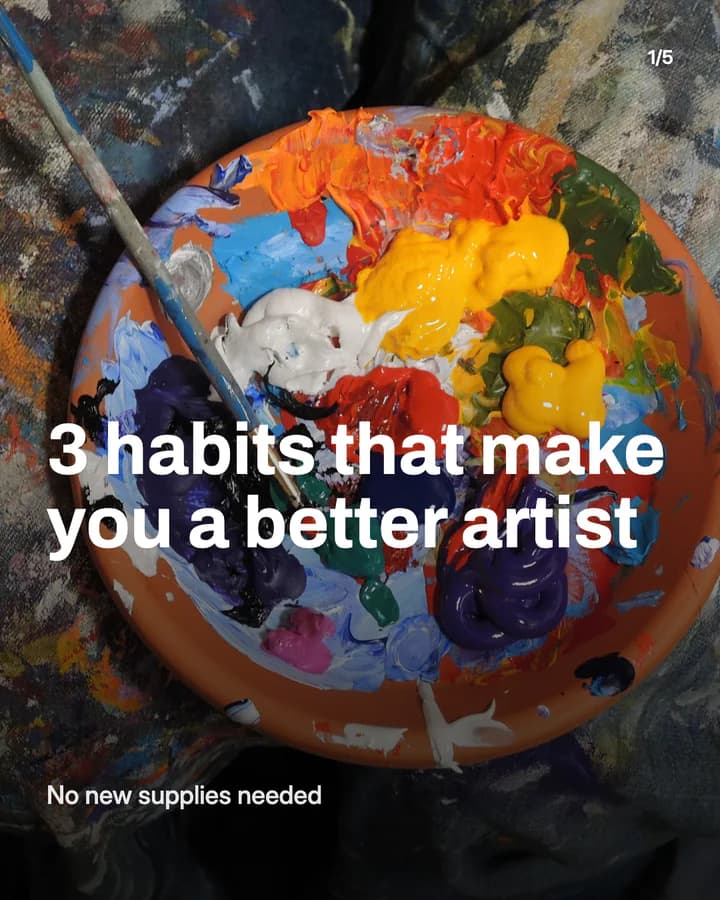
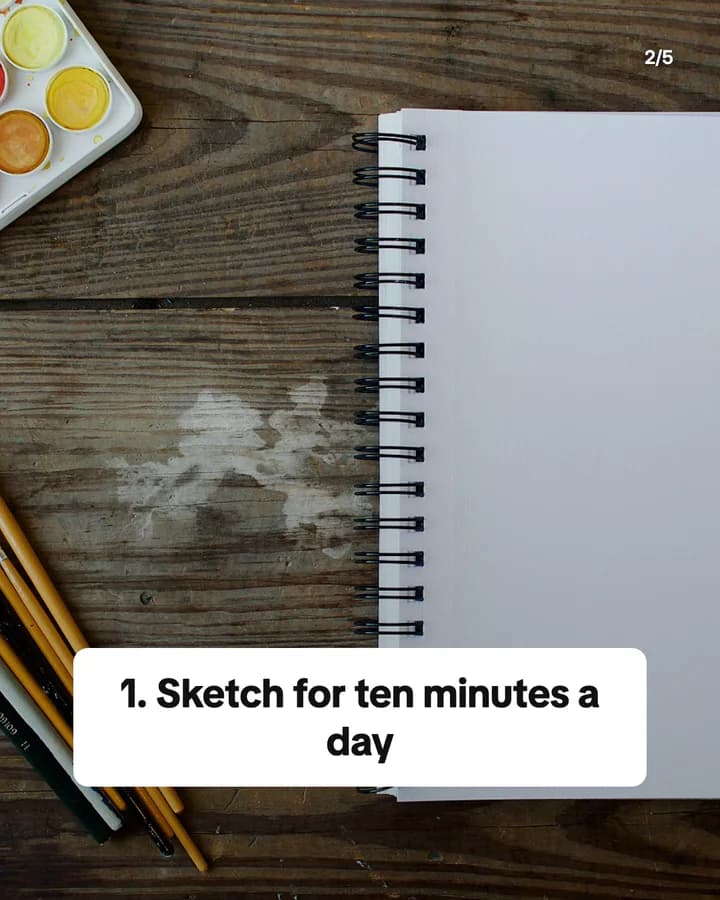
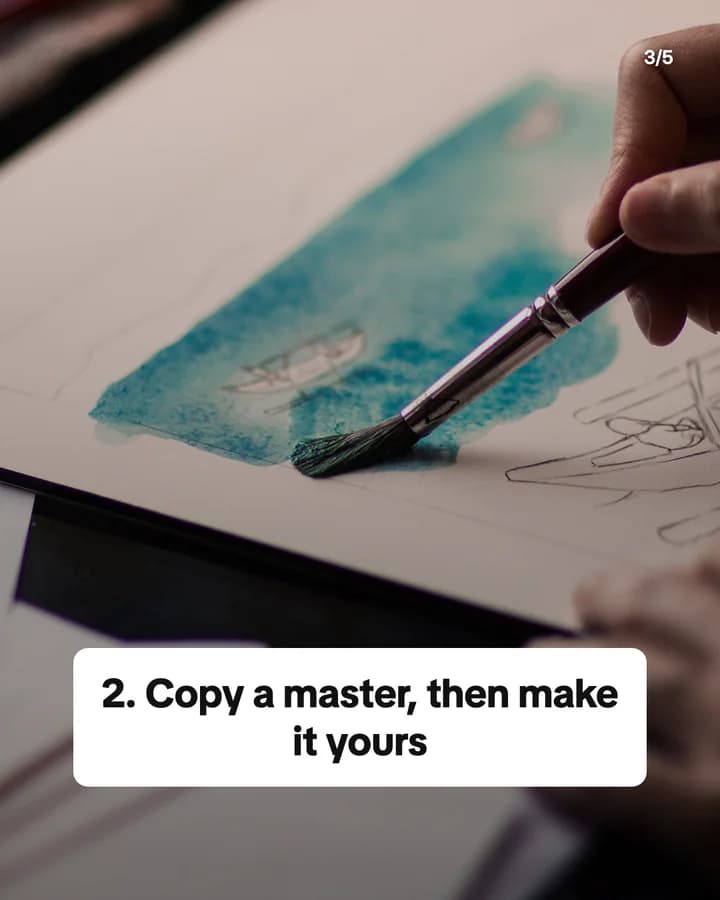
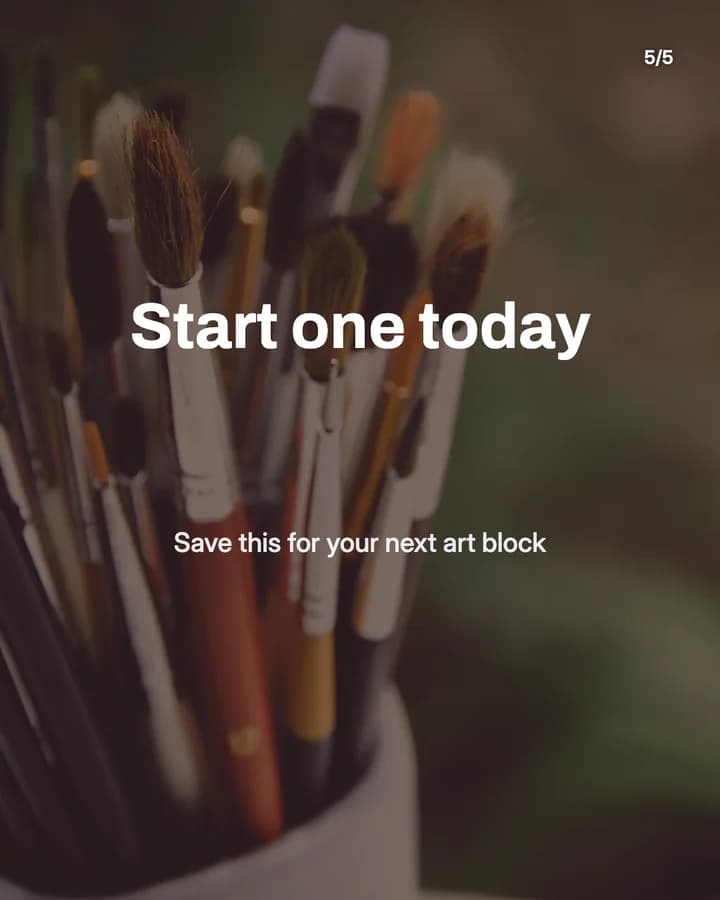
3 habits that make you a better artist
5 slides · Listicle structure
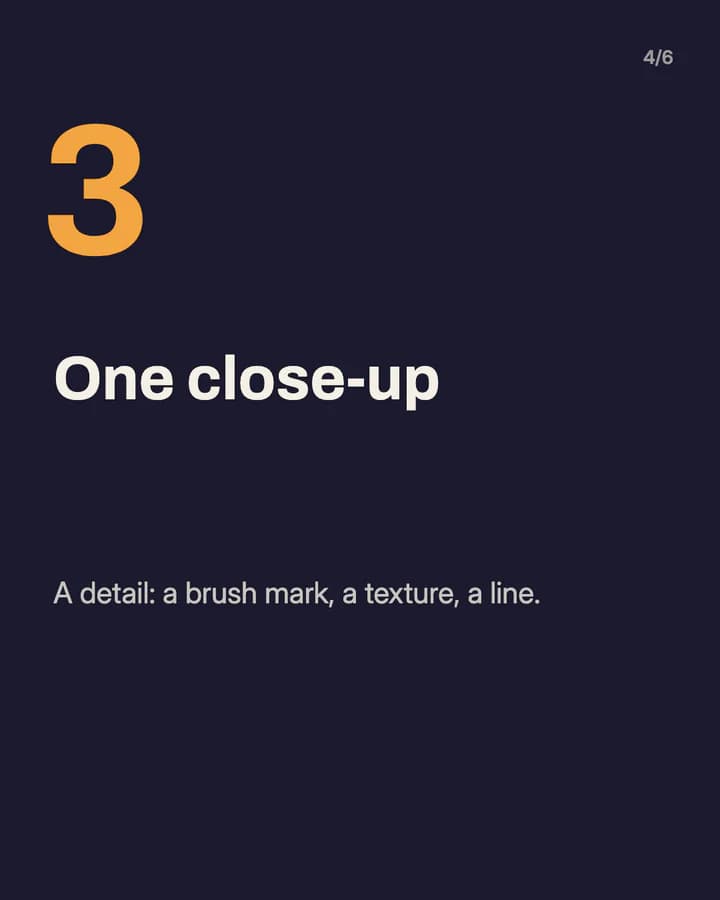
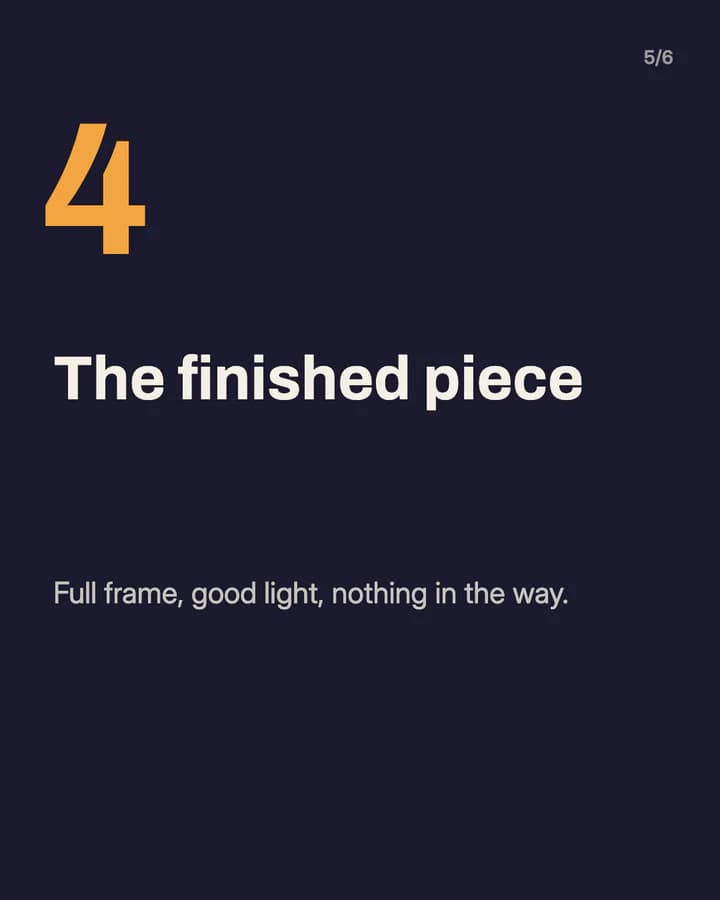
Post your process in 4 slides
6 slides · Step-by-step explainer look · Educational structure
10 hooks for art slideshows
“3 habits that make you a better artist”
Listicle. Every artist wants to improve, and three habits feel doable.
“From blank page to finished piece”
Before/After. The change across the slides is why people swipe to the end.
“The ugly stage of every painting”
Story. Artists recognise it, and beginners are glad to see it is normal.
“Supplies I would buy again, and ones I would not”
Recommendation. Honest picks save readers money, so they save the post.
“How I fixed a painting I hated”
Story. A rescue story is more useful than a perfect result.
“Rate my sketchbook pages from 1 to 10”
Ranking. A ranking invites people to agree or argue in the comments.
“What I would tell myself as a beginner”
Story. It speaks to beginners, who search for exactly this.
“How I price a commission”
Educational. Pricing is the question artists ask each other most.
“My studio routine before I paint”
Routine. A routine is easy to copy and shows your space.
“Save this for your next art block”
Save prompt. It tells the reader the post is useful later, when they need it.
Formats that fit
Each format is a look and a post structure you can pick in Wavegrain.
TikTok caption story
Story structure
One piece from start to finish, told as short captions over your own photos of each stage.
Numbered list
Listicle structure
Habits, supplies or beginner tips, one per slide.
Step-by-step explainer
Educational structure
A technique in order, such as layering watercolour or setting up a sketch.
Editorial profile
Before/After structure
The first sketch next to the finished piece, or your art from a year ago next to today.
A week of posts
- Monday
- A work in progress, stage by stage, over your own photos.
- Tuesday
- A tip or a technique, step by step, that a beginner can try.
- Thursday
- Your supplies or your sketchbook pages, ranked, with a question for the comments.
- Friday
- The finished piece, with one close-up of the detail you are proudest of.
- Sunday
- Your art from a year ago next to today.
Rules to watch
- Post only work you made or have the right to share. TikTok removes content that breaks someone's intellectual property rights, so credit and ask before you show another artist's work.
- Fan art and copies of a master are fine to practise, but say what they are and do not sell them as your own design.
- If you use AI to make or heavily change a realistic image, label it as AI-generated, and never present AI work as hand-made.
- If a brand paid for the post, sent you supplies for free, or pays you a commission through a link or code, turn on the platform's paid partnership or branded content label.
Questions
What should an art slideshow be about?
How a piece was made, stage by stage, or one lesson you learned: a habit, a technique, a supply you rate. Process posts work because people see the messy middle, not only the result.
Can I show my art without showing my face?
Yes. Hands, brushes, the page and the finished piece carry an art post. Both examples on this page show no people's faces.
Can I post fan art or a copy of a famous painting?
Practise freely, and say what it is when you post it. Do not present another artist's design as your own, and do not sell copies of work you do not have the rights to.
Does Wavegrain write the slides for me?
Yes. You give a topic, and Wavegrain writes the hook, 3 to 10 slides and the caption, places your photos of your work, and keeps everything editable before you export or schedule it.
Which size should an art slideshow be?
1080x1920 (9:16) fills the screen on TikTok. For an Instagram carousel, use 1080x1350 (4:5) or 1080x1440 (3:4). Wavegrain exports all three.