BookTok slideshow ideas that readers save.
Updated 26 October 2026
Two example slideshows
Wavegrain drew both with its own slide renderer, using free-licence photos. They are examples, not customer posts. Swipe through each one.
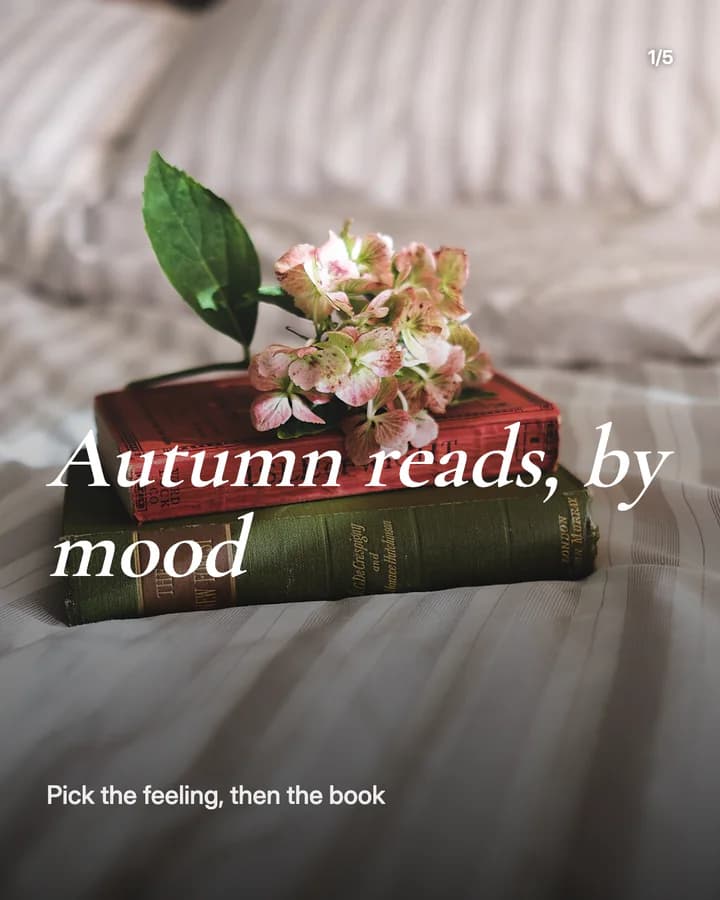
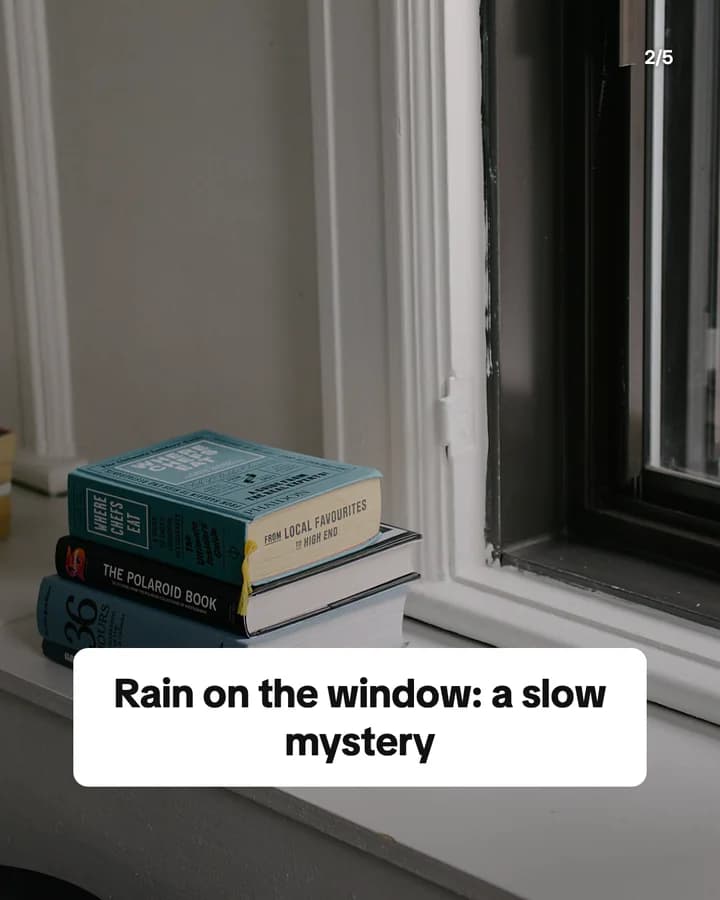
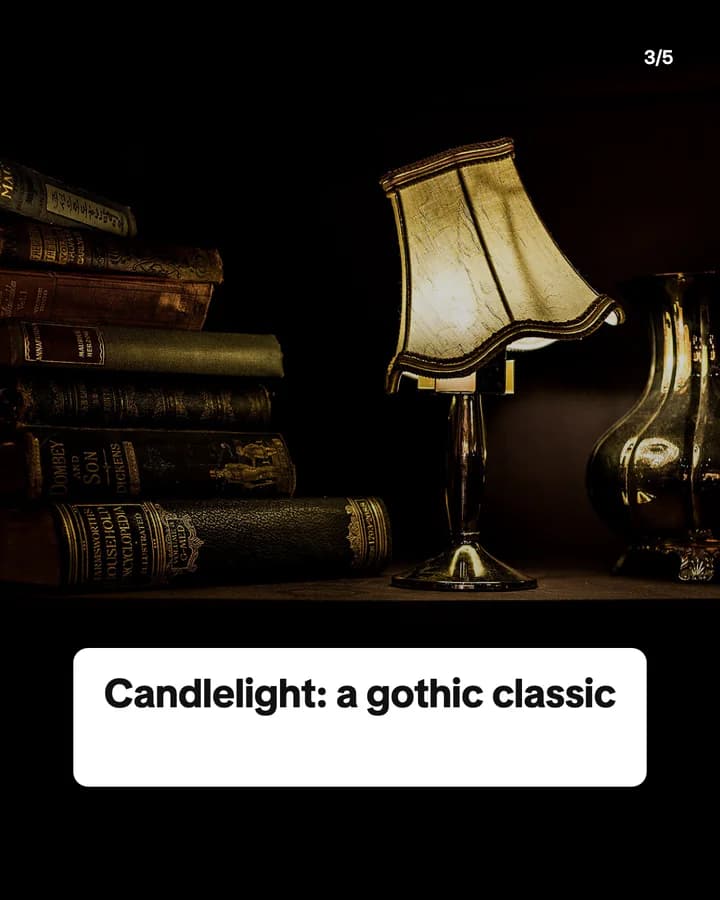
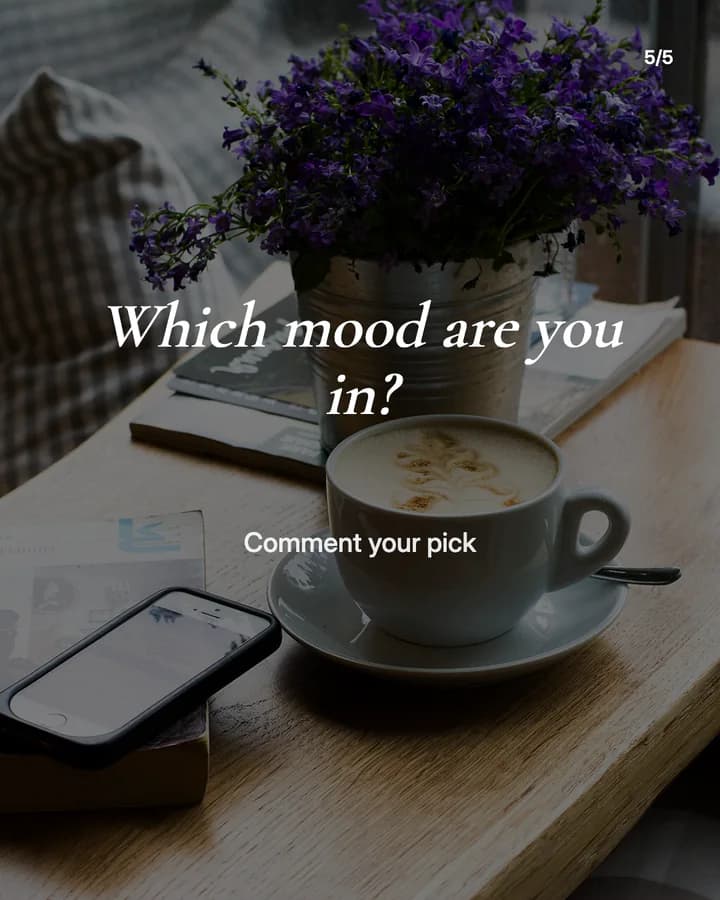
Autumn reads, by mood
5 slides · Listicle structure

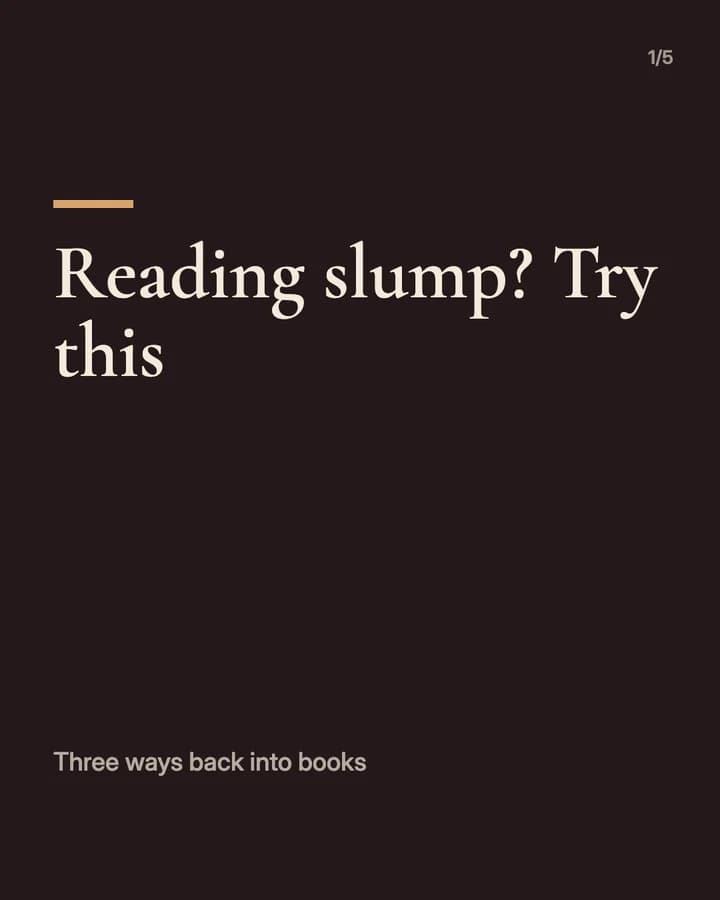
Reading slump? Try this
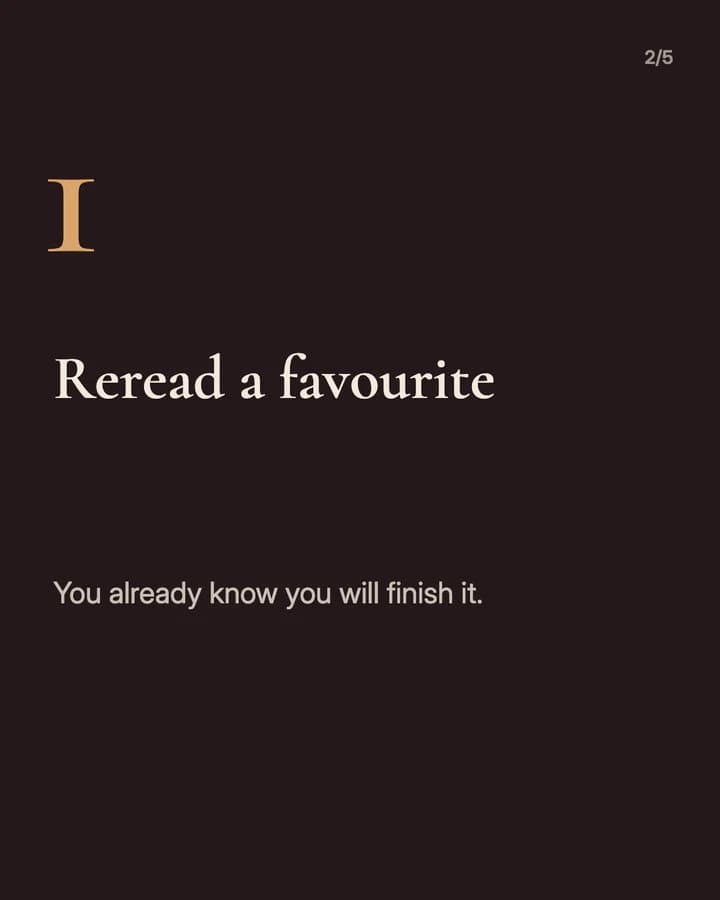
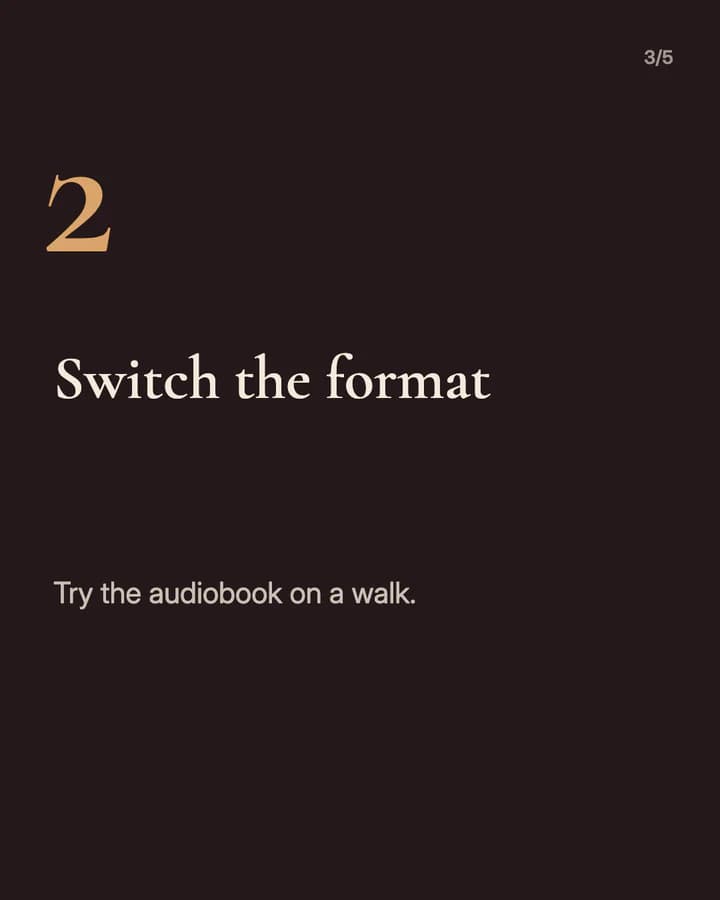
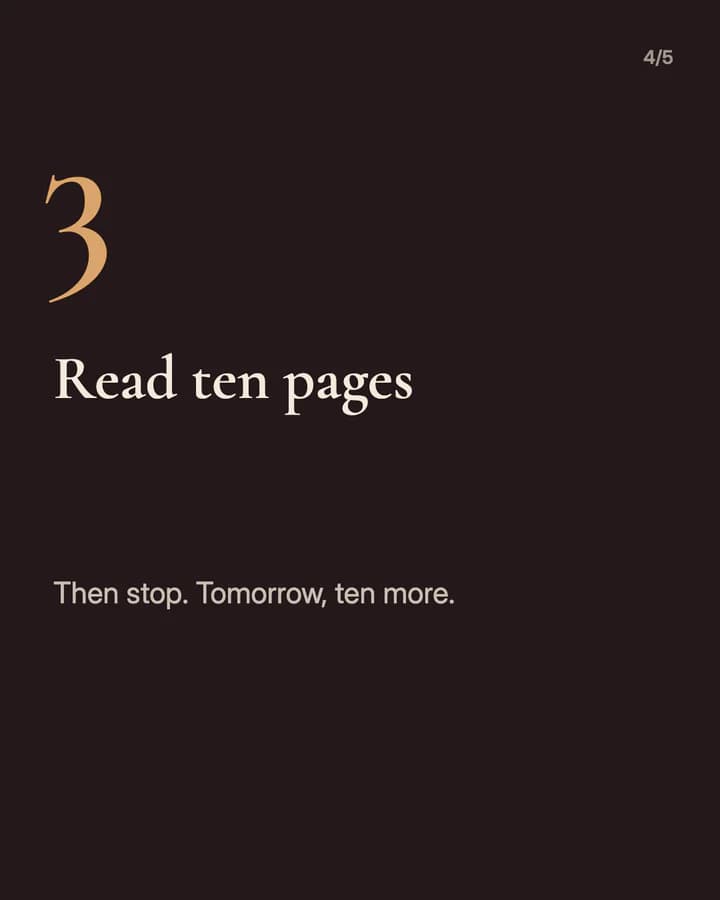
5 slides · Step-by-step explainer look · Educational structure
10 hooks for BookTok slideshows
“Autumn reads, by mood”
Mood list. Readers often pick a book by feeling, and a mood list starts there.
“Reading slump? Try this”
Problem. It names a problem every reader has had, so they swipe for the fix.
“Books that feel like a rainy Sunday”
Mood list. A clear picture of a feeling is easier to choose by than a genre.
“If you liked this, read these next”
Recommendation. It starts from a book the reader already loves, which lowers the risk of a new one.
“Short books for a long week”
Listicle. It fits the time the reader has, which makes a book feel possible to finish.
“What I read this month, ranked”
Ranking. A ranking invites people to agree, disagree and add their own in the comments.
“Unpopular book opinions”
Opinion. A clear view starts a conversation, and readers like to defend their favourites.
“Tropes I will always read”
Listicle. Fans search by trope, and each one is a quick yes or no for the reader.
“How I read more without trying harder”
How-to. Many people want to read more and feel they have no time.
“Save this for your next library trip”
Save prompt. It tells the reader the post is useful later, at the shelf.
Formats that fit
Each format is a look and a post structure you can pick in Wavegrain.
Numbered list
Ranking structure
Books you read this month or this year, one per slide, with one line on why it sits there.
Editorial profile
Listicle structure
Reads sorted by mood or season, one book per slide over your own photo of the book or the place you read it.
Step-by-step explainer
Educational structure
Ways out of a reading slump or into a new genre, one tip per slide.
Quote card
Quote structure
One short line from a book on one slide, with the title and author, and no spoilers.
A week of posts
- Monday
- What you plan to read this week, one book per slide.
- Tuesday
- Reads for one mood, such as a rainy day or a long train ride.
- Thursday
- A short quote from what you are reading, with title and author.
- Friday
- If you liked this book, three to read next.
- Sunday
- What you read this month, ranked, with a question for the comments.
Rules to watch
- Do not post spoilers without a warning. Put the warning on the hook slide, so people can stop before they see it.
- Book covers belong to the publishers. Use your own photo of the book, and do not present a cover as your own artwork.
- Quote only a short line or two from a book, always with the title and author.
- If a publisher sent you a free copy or paid for the post, say so and turn on the platform's paid partnership or branded content label.
Questions
What should a BookTok slideshow be about?
Something that helps readers pick their next book or keep reading: reads by mood, a monthly ranking, books like one they love, or a way out of a slump. One book or one tip per slide keeps it easy to scan.
Can I use book covers in my slideshows?
Covers belong to the publishers. A photo you took of your own copy is the safer choice, and the examples on this page use photos, not cover scans.
Can I make a BookTok slideshow without showing my face?
Yes. Photos of books, shelves and the places you read carry a BookTok slideshow well. Both examples on this page show no faces.
Does Wavegrain write the slides for me?
Yes. You give a topic, and Wavegrain writes the hook, the slides and the caption, places your photos or makes AI images, and keeps everything editable before you export it.
Which size should a BookTok slideshow be?
1080x1920 (9:16) fills the screen on TikTok. For an Instagram carousel, use 1080x1350 (4:5) or 1080x1440 (3:4). Wavegrain exports all three.