Real estate slideshow ideas that buyers save.
Updated 26 October 2026
Two example slideshows
Wavegrain drew both with its own slide renderer, using free-licence photos. They are examples, not customer posts. Swipe through each one.
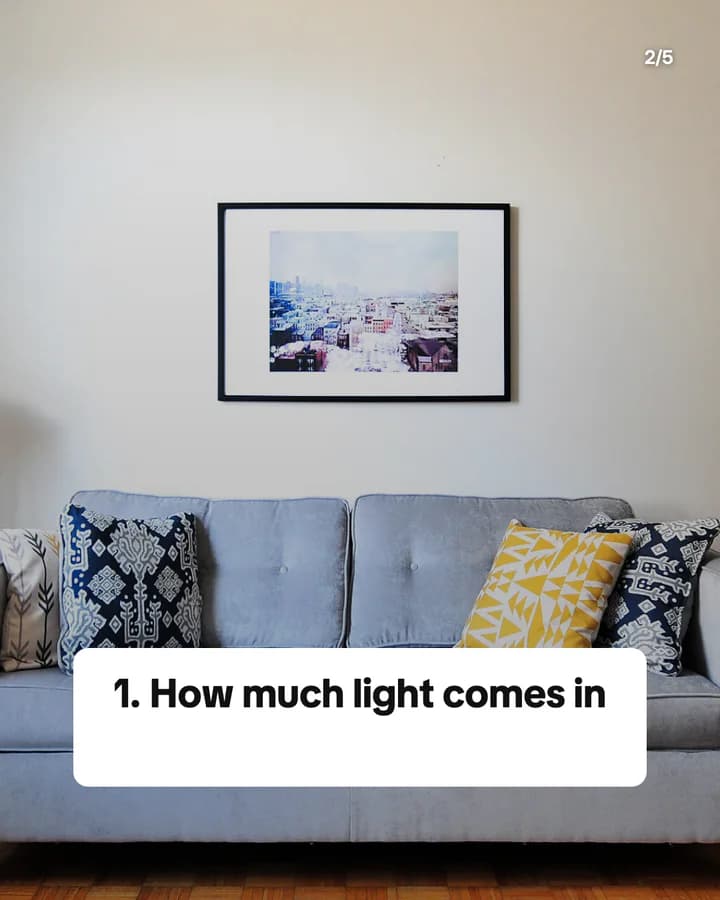
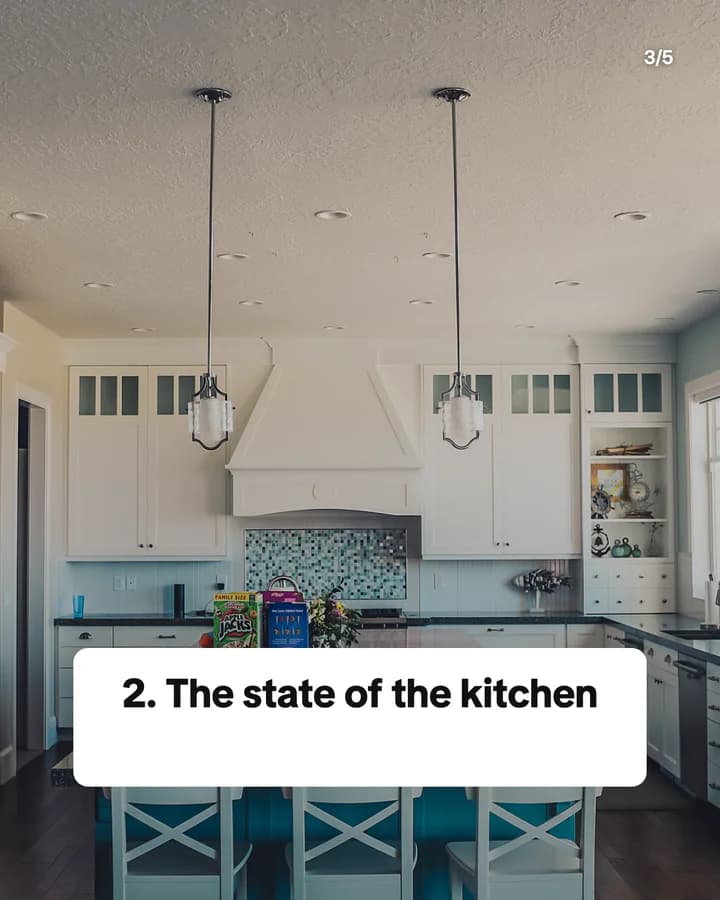
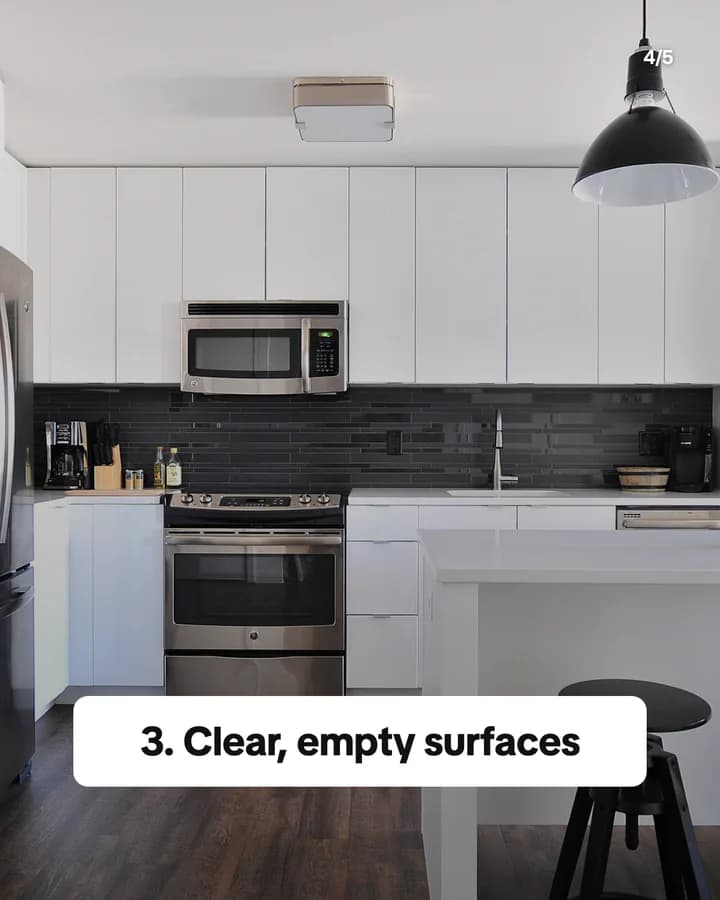
3 things buyers notice first
5 slides · Listicle structure


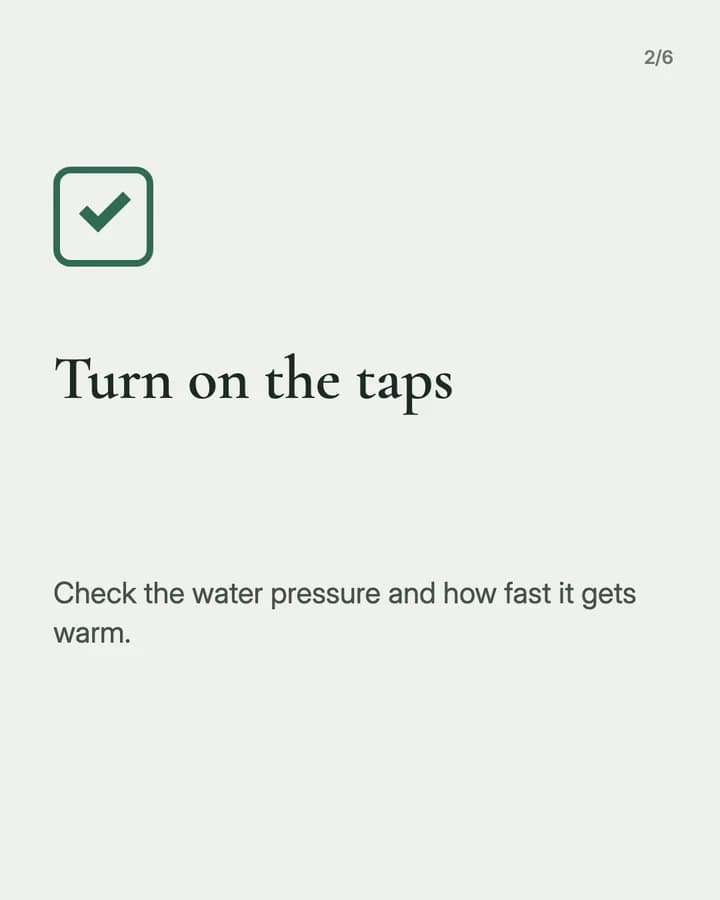
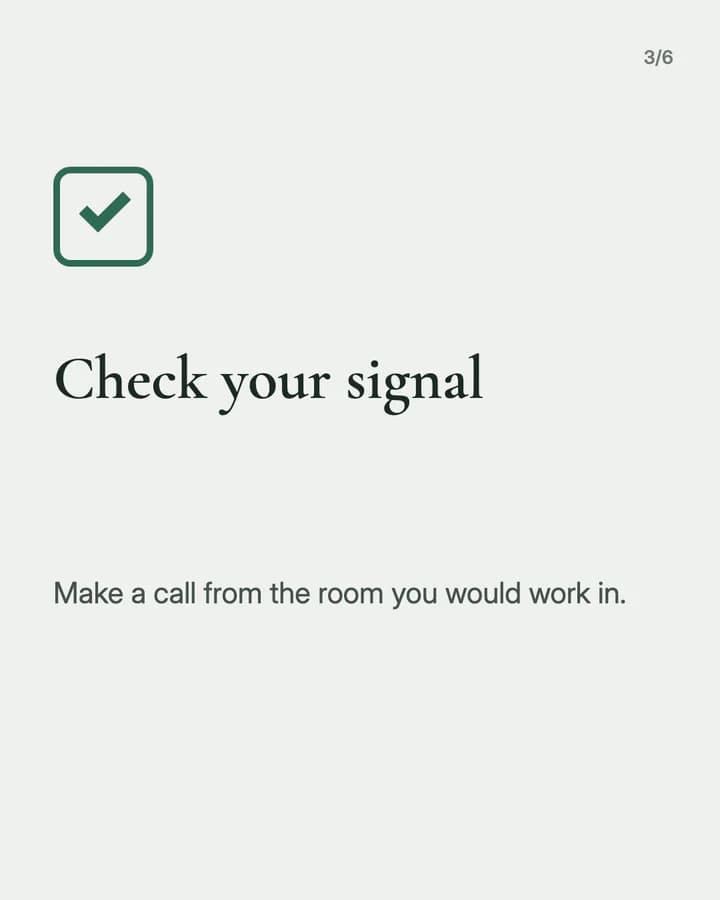
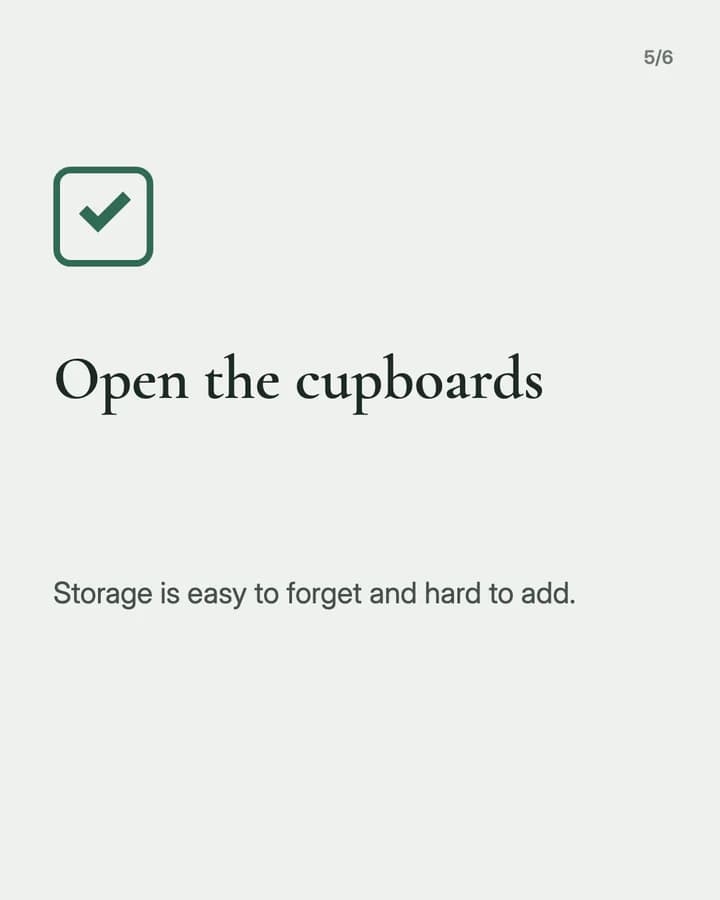
Your viewing checklist
6 slides · Educational structure


10 hooks for real estate slideshows
“3 things buyers notice first”
Listicle. Sellers want to know what to fix, and buyers want to know what to look for.
“Your viewing checklist”
Checklist. A list to take to the next viewing is a clear reason to save the post.
“Questions to ask before you sign a lease”
Checklist. Renters worry about missing something, and the hook names that worry.
“First-time buyer mistakes to avoid”
Mistake. A first purchase feels risky, so people check whether they are about to slip.
“Inside this two-bedroom flat”
Tour. A room-by-room tour lets people look around before they decide to visit.
“Renting vs buying: questions to ask yourself”
Comparison. It gives the reader a way to decide, not an answer they have to trust.
“Before and after: one weekend of staging”
Before/After. The same room twice shows the change without any claims.
“A street guide to our neighbourhood”
Local guide. Buyers choose an area as much as a home, and local knowledge builds trust.
“What to fix before you sell”
How-to. Sellers want small, clear jobs they can finish before the photos.
“Save this for your next viewing”
Save prompt. It tells the reader the post is useful later, at the door of the next home.
Formats that fit
Each format is a look and a post structure you can pick in Wavegrain.
Numbered list
Listicle structure
Three to five things buyers notice or sellers can fix, one per slide, with a photo of each.
Step-by-step explainer
Educational structure
A viewing or moving checklist in order, one check per slide.
Editorial profile
Story structure
A tour of one listing you have the right to show, one room per slide, with the key facts at the end.
Myth vs fact
Educational structure
One common belief about buying or renting per slide, with the plain fact under it.
A week of posts
- Monday
- A viewing checklist people can take to their next visit.
- Tuesday
- A tour of one current listing, one room per slide.
- Wednesday
- Myth vs fact on one buying or renting question you hear often.
- Friday
- A short guide to one street, park or café in your area.
- Saturday
- Three small jobs sellers can do before the photos are taken.
Rules to watch
- Only post homes you have the right to show: your own listings with the owner's agreement, in photos you took or licensed. Do not show people or their belongings without permission.
- Keep listing facts accurate. Price, size, rooms and features must match the listing, and an AI image must never stand in for the real home.
- Check the property advertising rules where you work. Some places require set details in a listing ad, such as an energy rating or your licence or company details.
- For tips posts that are not about one listing, use your own photos, stock photos under their licence, or AI images.
Questions
What should a real estate slideshow show?
Either one home you have the right to show, one room per slide, or one useful idea for buyers, renters or sellers, such as a viewing checklist. Tips posts work for every follower, and listing posts work for people looking now.
Can I use AI images in a real estate slideshow?
Not for a listing. A listing must show the real home in real photos. AI images fit tips posts, such as a checklist or a moving guide, where no one could mistake the picture for a home that is for sale.
How many slides should a home tour have?
One slide per room you want to show, plus a hook slide and a last slide with the key facts and how to book a viewing. TikTok photo posts allow up to 35 images, and Instagram carousels allow up to 20.
Does Wavegrain write the slides for me?
Yes. You give a topic, and Wavegrain writes the hook, the slides and the caption, places your photos or makes AI images, and keeps everything editable before you export it. Check every listing fact before you post.
Which size should real estate slideshows be?
1080x1920 (9:16) fills the screen on TikTok. For an Instagram carousel, use 1080x1350 (4:5) or 1080x1440 (3:4). Wavegrain exports all three.