Finance tips slideshow ideas that stay educational.
Updated 26 October 2026
Two example slideshows
Wavegrain drew both with its own slide renderer, using free-licence photos. They are examples, not customer posts. Swipe through each one.
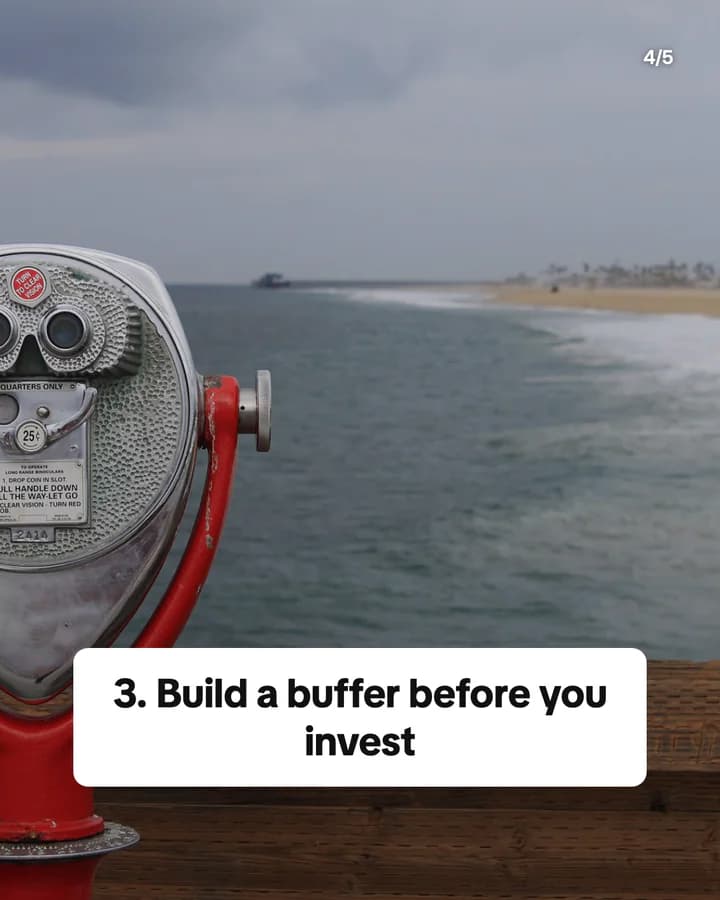
Money habits for your 20s
5 slides · Listicle structure




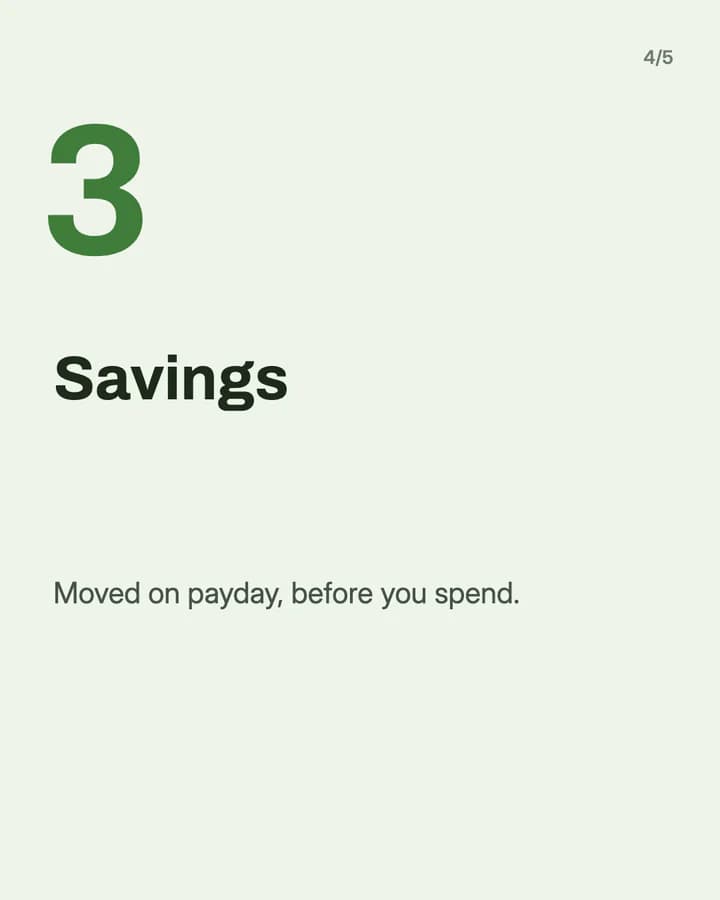
Split your pay into 3 pots
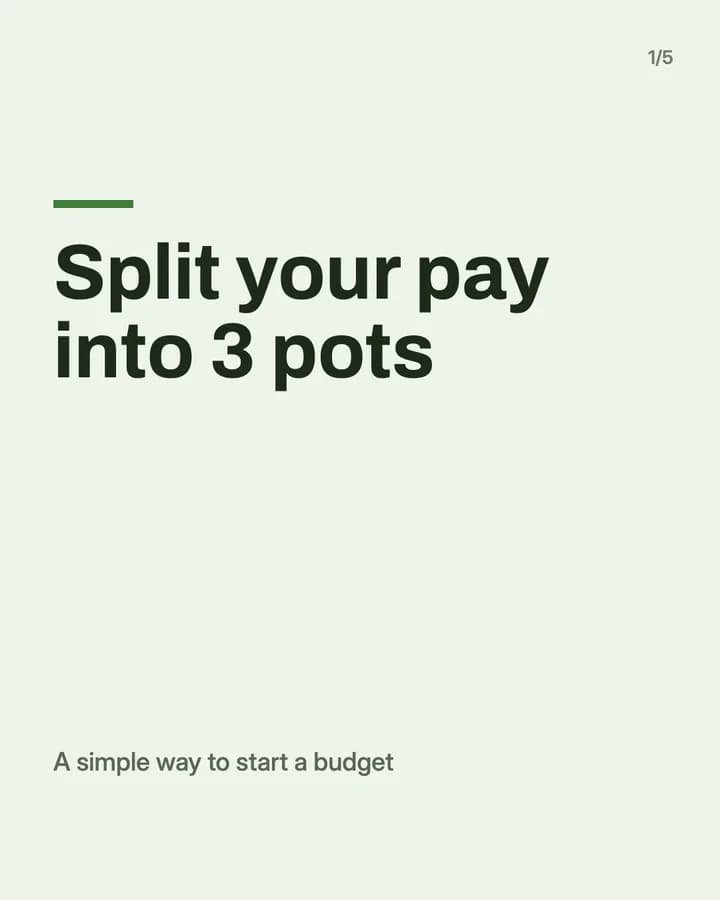
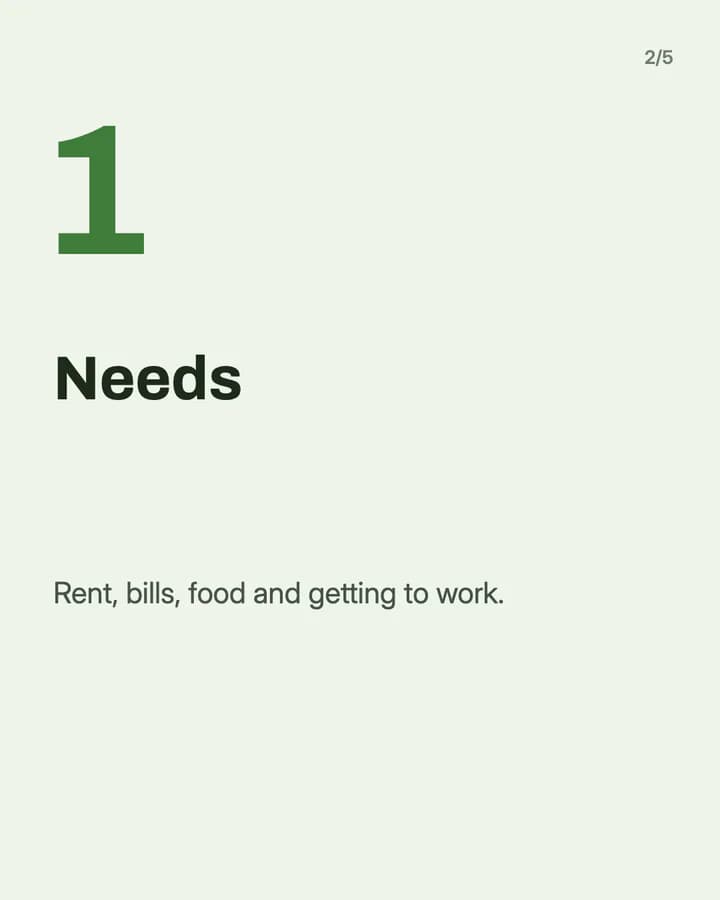
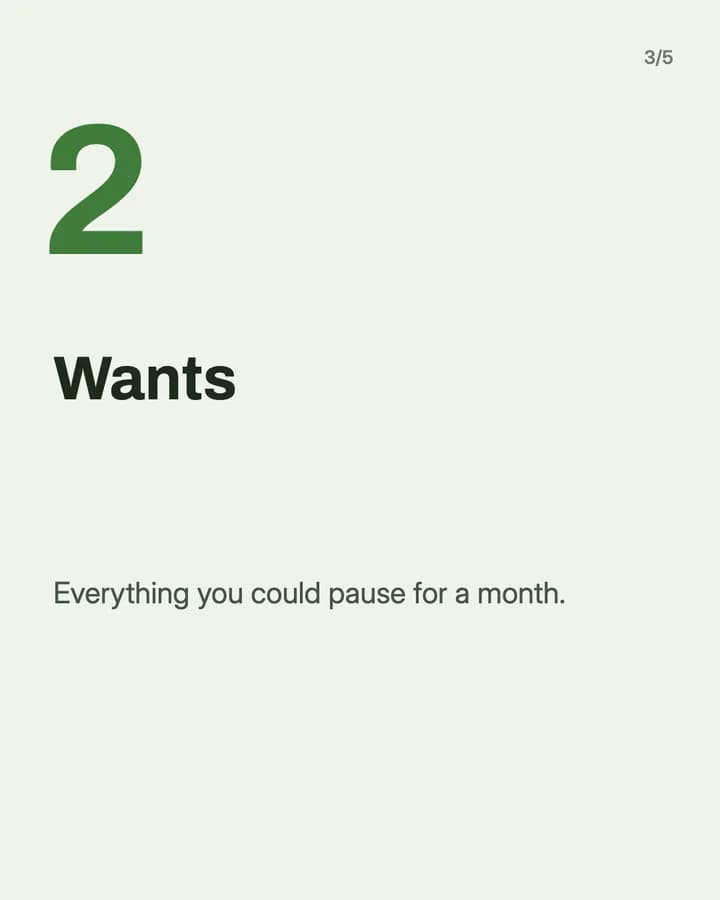
5 slides · Step-by-step explainer look · Educational structure
10 hooks for finance tips slideshows
“Money habits for your 20s”
Listicle. It names an age group, so readers in it feel the post is for them.
“Split your pay into 3 pots”
Plan. A simple shape for a budget feels easy to try on the next payday.
“What an emergency fund is for”
Explainer. Many people have heard the term but never had it explained plainly.
“Money words nobody explained to me”
Glossary. It makes the reader feel normal for not knowing, so they keep reading.
“Fixed costs vs variable costs”
Comparison. Two close ideas side by side help people sort their own spending.
“Budgeting mistakes I made at first”
Story. Your own mistakes sound honest and do not tell anyone what to do.
“Check this before you sign up for a subscription”
Checklist. Small monthly costs add up, and the reader wants a quick check.
“How to read your payslip”
How-to. Most people get one every month and do not know what every line means.
“Money myths to stop believing”
Myth vs fact. People swipe to check whether they believe one of them.
“Save this for payday”
Save prompt. It ties the post to a day the reader already waits for.
Formats that fit
Each format is a look and a post structure you can pick in Wavegrain.
Numbered list
Listicle structure
Three to five habits or checks, one per slide, with a last slide that says it is general education.
Step-by-step explainer
Educational structure
A budget method or a document such as a payslip, explained one part per slide.
Myth vs fact
Educational structure
One money belief per slide, crossed out, with the plain fact under it.
TikTok caption story
Story structure
Your own money lesson, told as captions, without telling readers what to buy.
A week of posts
- Monday
- One money word explained in plain language, one slide per part.
- Tuesday
- A simple way to split your pay, with a note that people should pick their own split.
- Wednesday
- Myth vs fact on one money question your followers ask.
- Friday
- A money mistake you made, told as a short story in captions.
- Sunday
- A short checklist for the week: bills, subscriptions and one saving step.
Rules to watch
- Keep it general education, not advice. Do not tell a reader what to buy or sell, and say on a slide or in the caption that it is not financial advice.
- Never promise returns or show income claims. Do not say an investment is safe or that someone will earn a set amount.
- Say who you are and whether you hold a financial qualification. If you earn from an affiliate link or a paid post, say so and use the platform's label.
- TikTok and Instagram have their own rules for financial content and promotions. Read them before you post about investing or financial products.
Questions
What should a finance tips slideshow be about?
One money basic in plain words: a budget method, a habit, a term people find confusing, or a document such as a payslip. Teach how something works, and let readers decide what fits their own life.
Do I need to say it is not financial advice?
Yes, it is a good habit. Both examples on this page say it on the last slide. A line like this does not make personal advice general, so keep the content general too.
Do I need a licence to post finance tips?
It depends on where you live and what you say. In many countries, personal financial advice is regulated, while general education is not. If you are not sure where your posts fall, ask a professional.
Does Wavegrain write the slides for me?
Yes. You give a topic, and Wavegrain writes the hook, the slides and the caption, places your photos or makes AI images, and keeps everything editable before you export it. Check every number before you post.
Which size should finance slideshows be?
1080x1920 (9:16) fills the screen on TikTok. For an Instagram carousel, use 1080x1350 (4:5) or 1080x1440 (3:4). Wavegrain exports all three.