Interior design slideshow ideas that people save.
Updated 26 October 2026
Two example slideshows
Wavegrain drew both with its own slide renderer, using free-licence photos. They are examples, not customer posts. Swipe through each one.
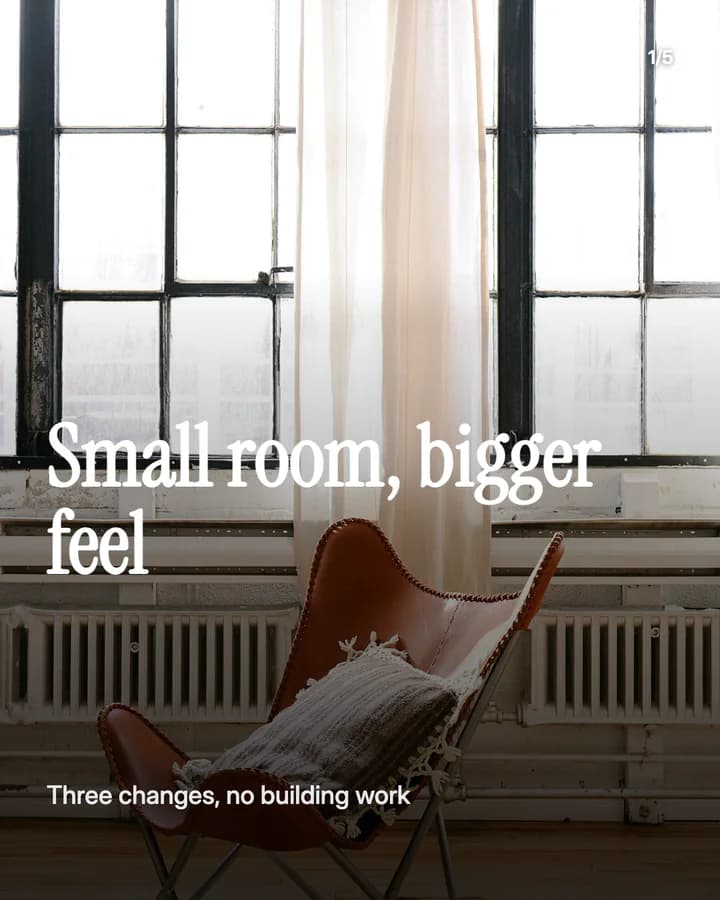
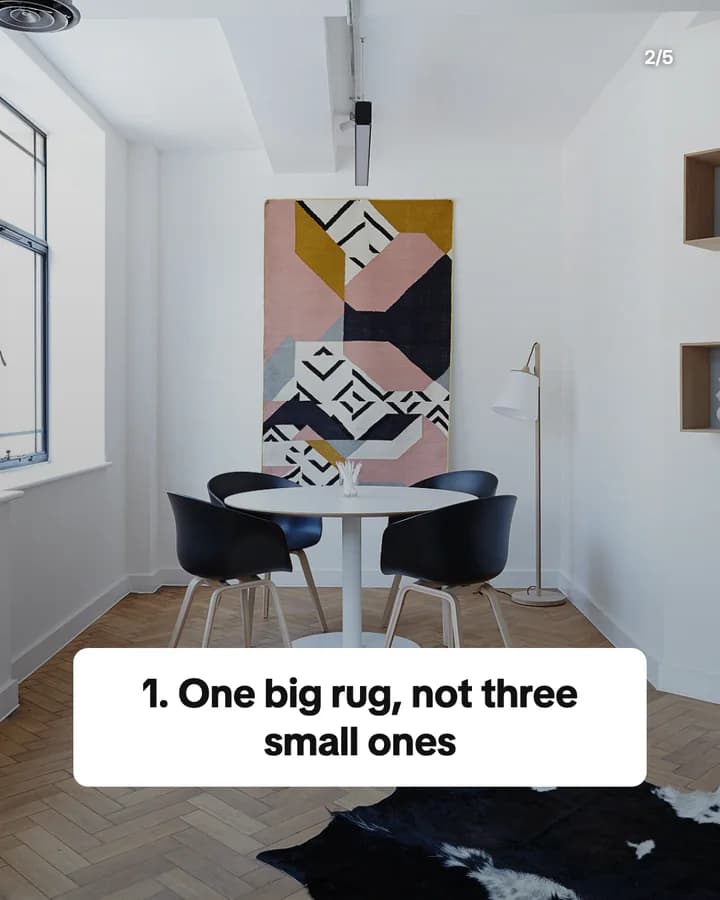
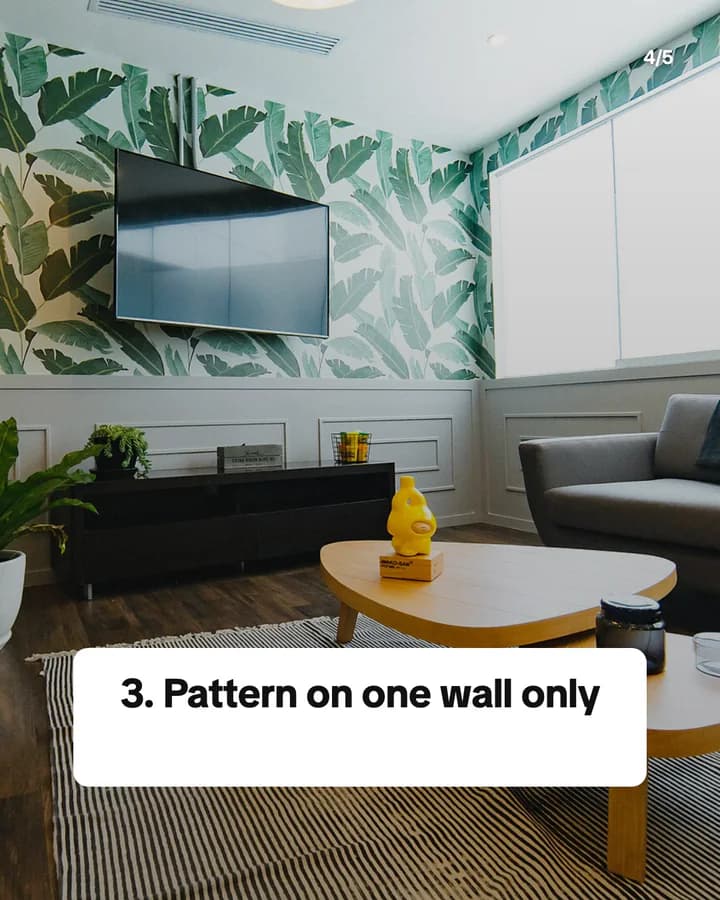
Small room, bigger feel
5 slides · Listicle structure


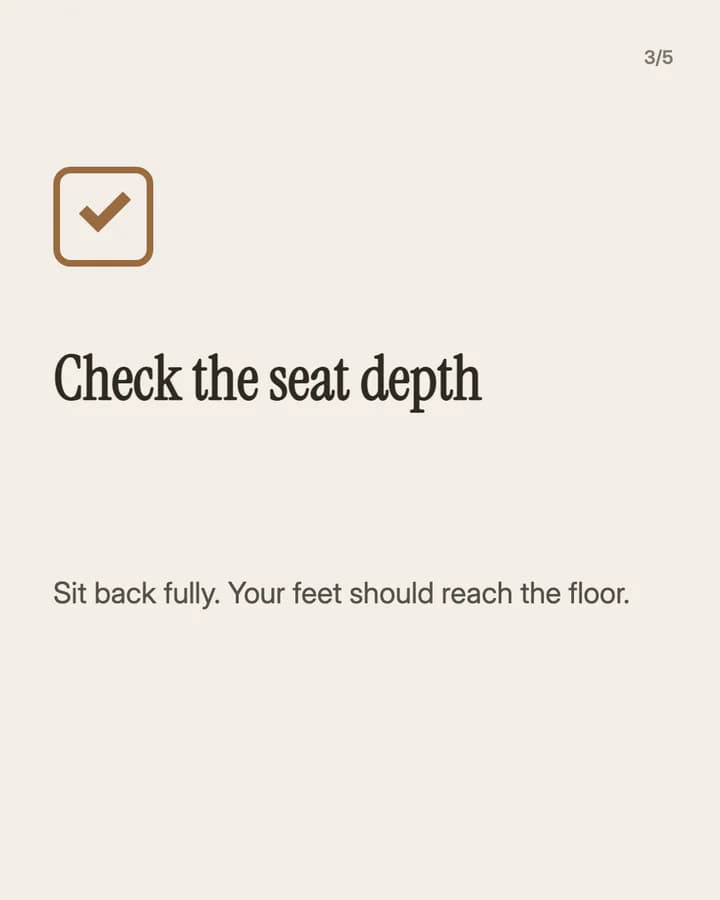
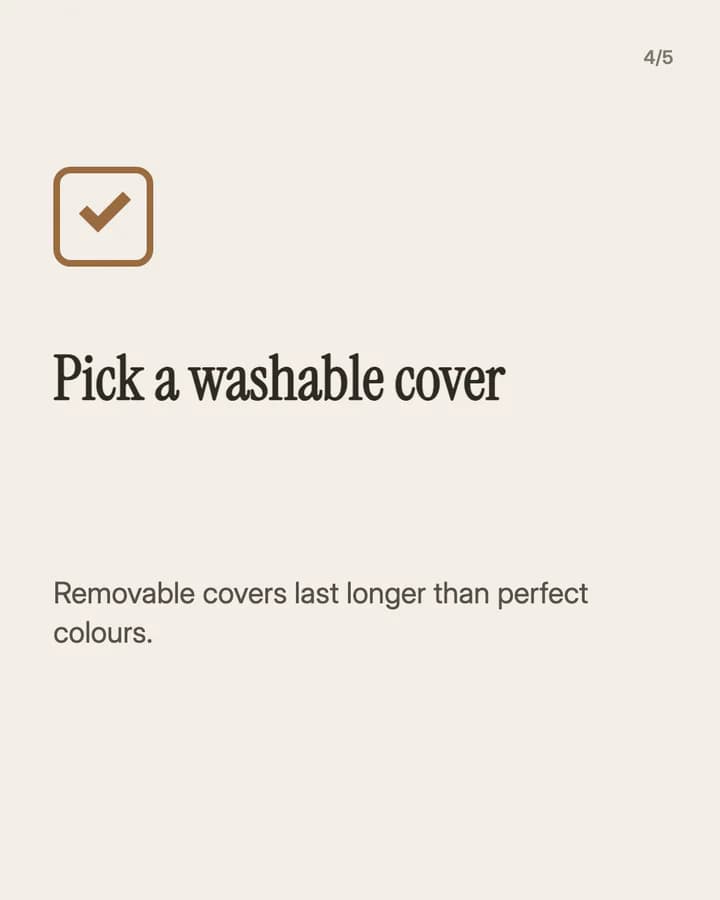
Before you buy a sofa
5 slides · Educational structure


10 hooks for interior design slideshows
“Small room, bigger feel”
Listicle. Most people have one room that feels too small, and this promises a fix.
“Before you buy a sofa”
Checklist. A big purchase is easy to get wrong, so people save the checks for the shop.
“Rental-friendly changes for a plain flat”
Listicle. Renters want changes they can make without losing the deposit.
“Before and after: one corner, one weekend”
Before/After. A small space and a short time make the change feel possible for the reader.
“The lighting mistake in most living rooms”
Mistake. People look up at their own ceiling light and want to know if it is them.
“How big should your rug be?”
Guide. It answers a question people ask right before they order.
“Warm white vs cool white bulbs”
Comparison. Two close choices side by side help people pick in the shop.
“What I would change if I moved in again”
Story. Advice from your own home sounds honest and saves the reader a mistake.
“3 colours that work in a dark hallway”
Listicle. It names a hard space and gives a short list to try.
“Save this for your next move”
Save prompt. It ties the post to a moment the reader will reach later.
Formats that fit
Each format is a look and a post structure you can pick in Wavegrain.
Numbered list
Listicle structure
Three to five changes for one room, one per slide, over a photo that shows it.
Step-by-step explainer
Educational structure
A checklist before a big buy, such as a sofa or a rug, one check per slide.
Editorial profile
Before/After structure
One room or corner before and after, with one slide per change you made.
TikTok caption story
Story structure
What you learned from doing up your own home, told as captions over your photos.
A week of posts
- Monday
- Three changes for one small room, one per slide.
- Tuesday
- A checklist before one big purchase, to save for the shop.
- Thursday
- One lighting or colour question your followers ask, answered side by side.
- Friday
- A weekend project you can finish in two days, step by step.
- Sunday
- A before and after from your own home, one change per slide.
Rules to watch
- When a room is not yours, credit the designer, the photographer or the place, and ask before you repost their photos.
- Use photos you have the rights to: your own, stock photos under their licence, or AI images. Do not show an AI room as a project you finished.
- If a brand sent you a product for free or paid for the post, say so and turn on the platform's paid partnership or branded content label.
- Do not show the outside of your home, your street or details that show where you live.
Questions
What should an interior design slideshow be about?
One room problem and how to solve it: a small room, a dark hallway, a check before a big buy, or a before and after from your own home. One change per slide keeps it easy to follow.
Can I use AI images for interior slideshows?
Yes for ideas and tips, such as a mood for a room. For a before and after or a project you finished, use your own photos, so readers see what really changed.
Can I post rooms I did not design?
Only with credit to the designer, photographer or place, and with permission when you use their photos. A screenshot of another account's post is not yours to repost.
Does Wavegrain write the slides for me?
Yes. You give a topic, and Wavegrain writes the hook, the slides and the caption, places your photos or makes AI images, and keeps everything editable before you export it.
Which size should interior slideshows be?
1080x1920 (9:16) fills the screen on TikTok. For an Instagram carousel, use 1080x1350 (4:5) or 1080x1440 (3:4). Wavegrain exports all three.