Plant slideshow ideas that plant people save.
Updated 30 October 2026
Two example slideshows
Wavegrain drew both with its own slide renderer, using free-licence photos. They are examples, not customer posts. Swipe through each one.
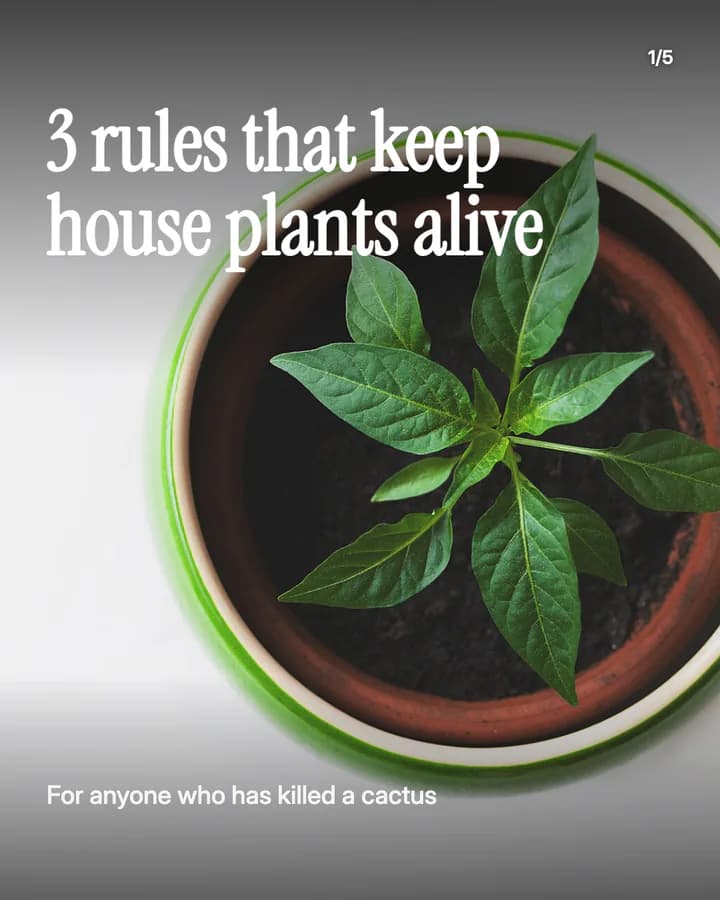
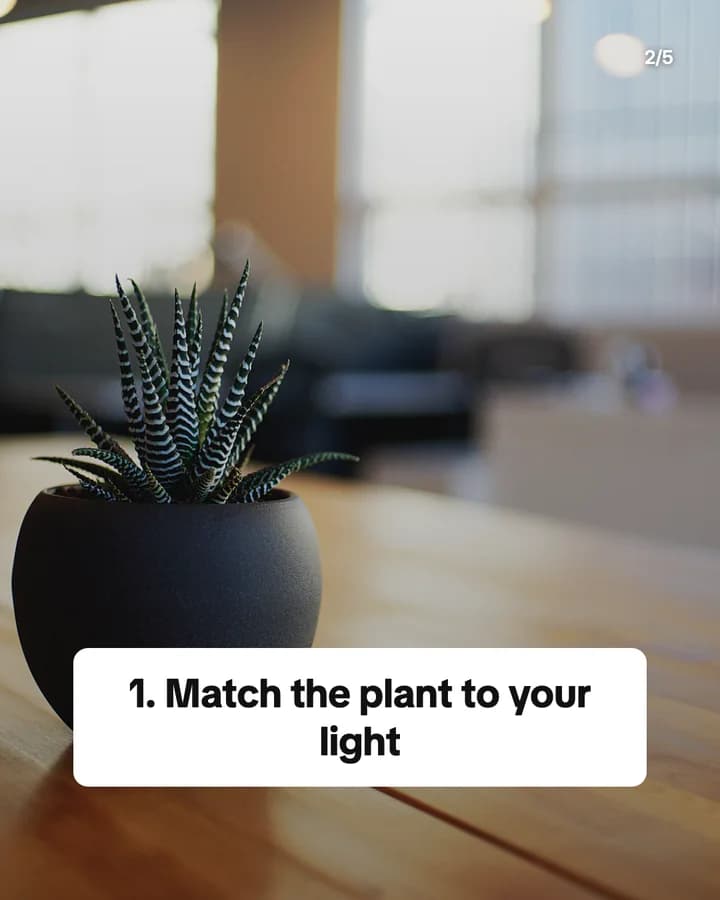
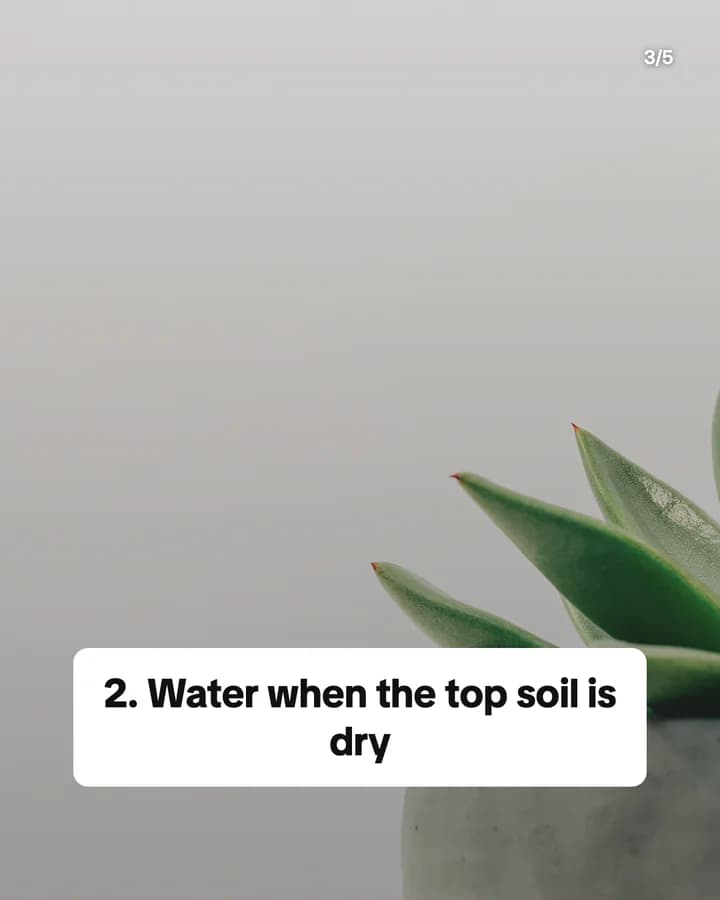
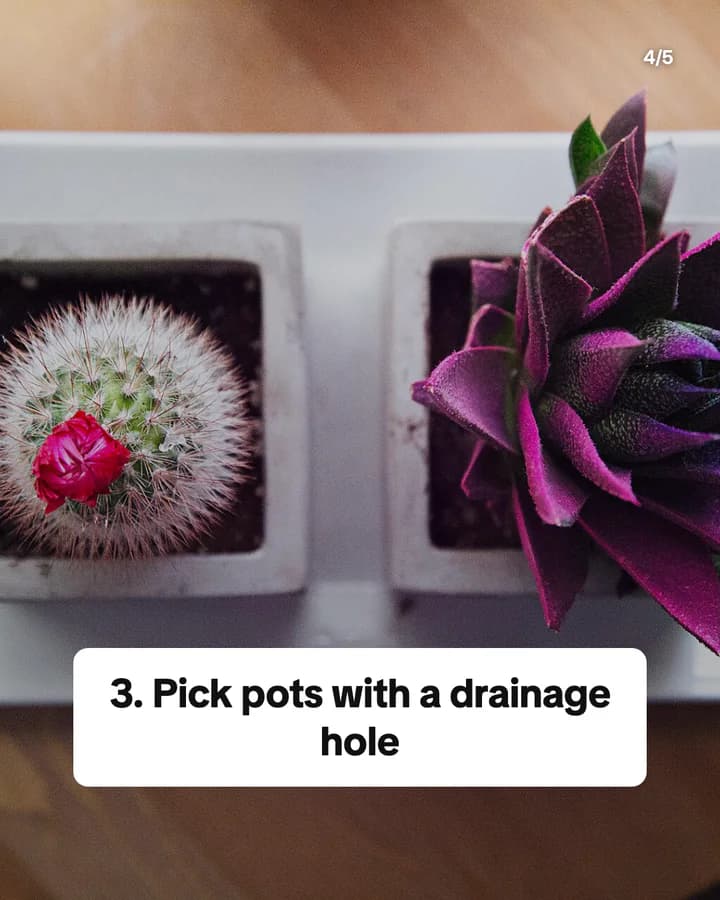
3 rules that keep house plants alive
5 slides · Listicle structure

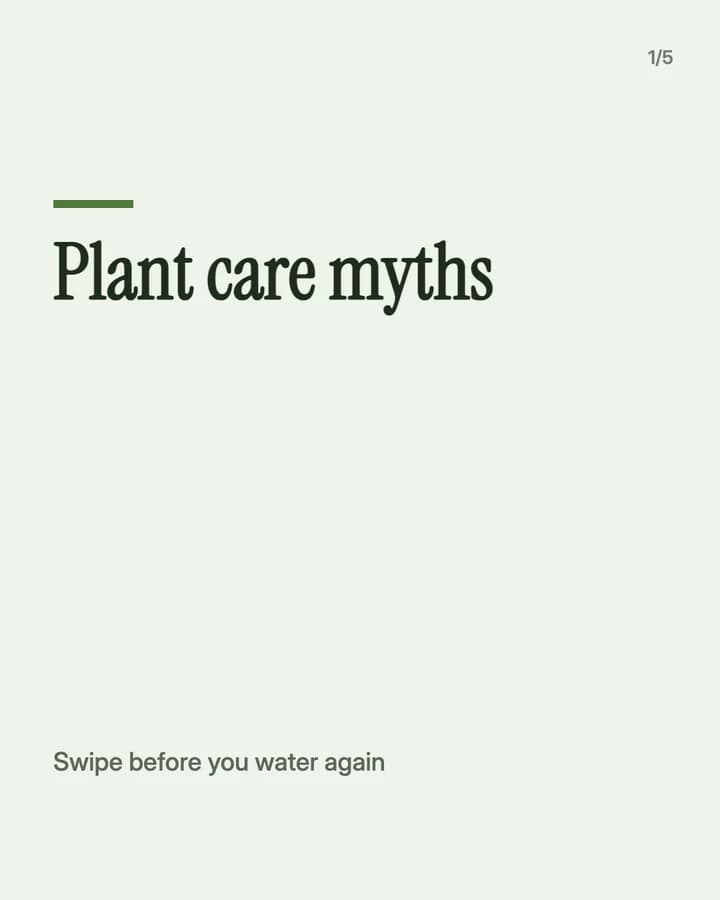
Plant care myths
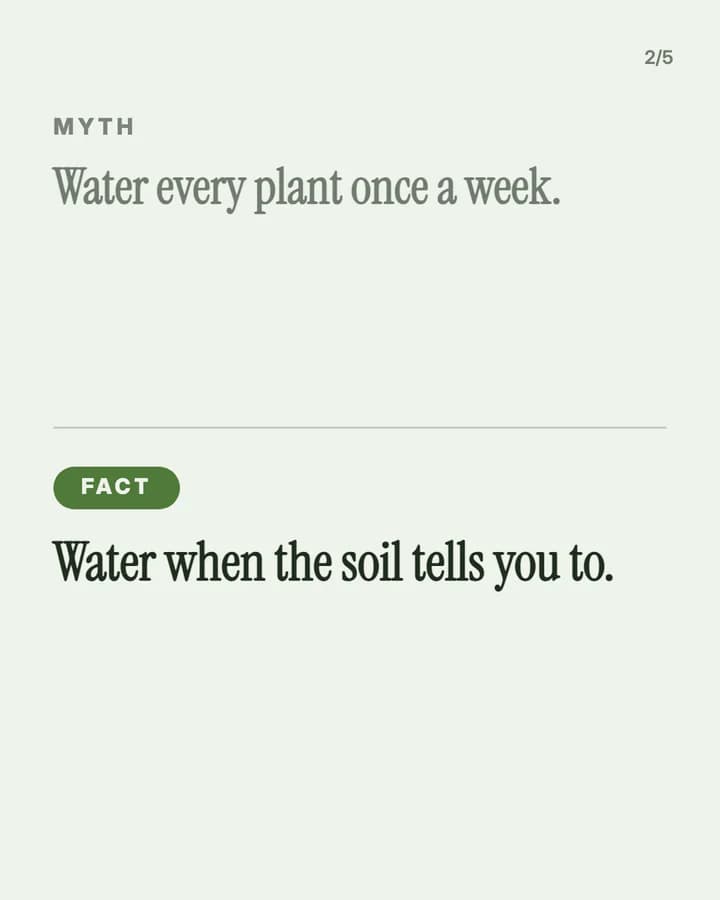
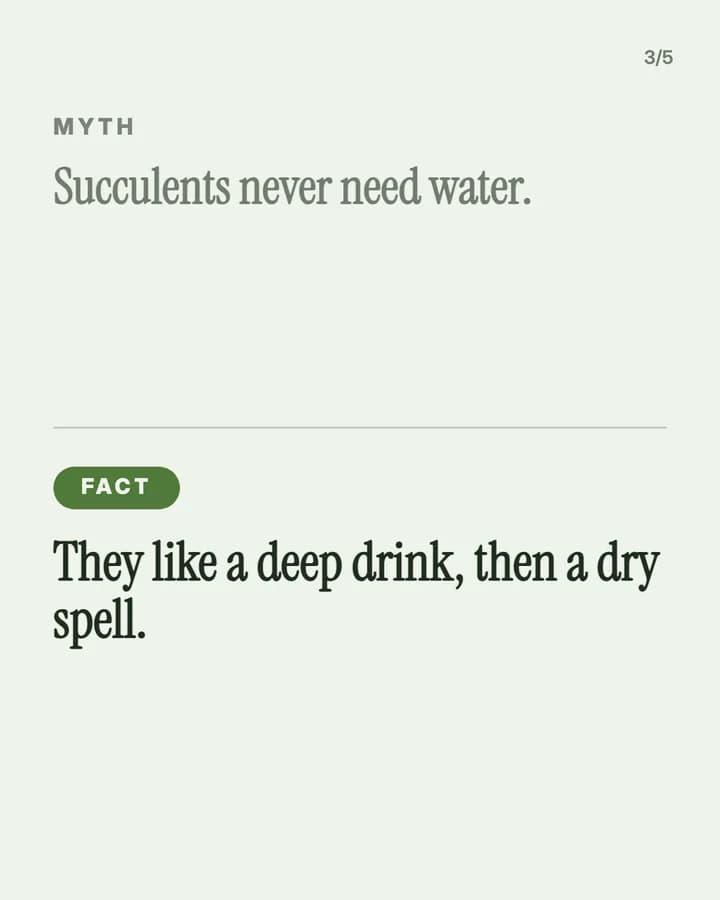
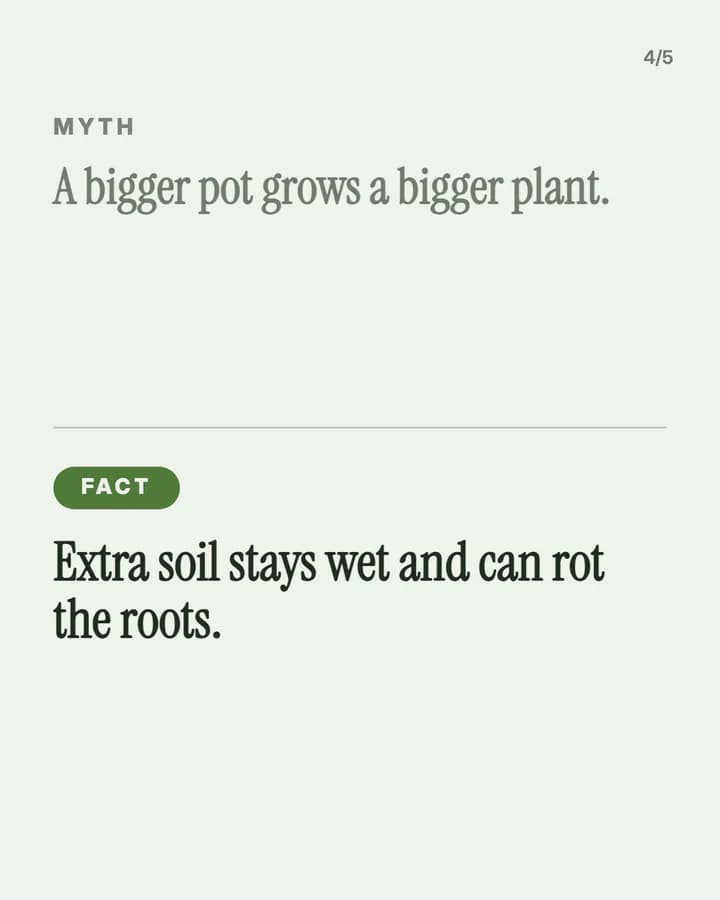
5 slides · Myth vs fact look · Educational structure
10 hooks for plants slideshows
“3 rules that keep house plants alive”
Listicle. Many people have killed a plant, and three rules feel easy to follow.
“Why your plant's leaves are turning yellow”
Problem. It names a problem people search for when it happens to them.
“Plants that cope with a dark flat”
Recommendation. It answers a question every renter with small windows has.
“Plant care myths I believed for years”
Myth vs fact. Readers check which myths they still believe.
“My plant shelf, one year apart”
Before/After. Growth across the slides makes people swipe to the end.
“Rate my plants from easiest to hardest”
Ranking. A ranking invites people to agree and share their own.
“How I repot a plant, step by step”
Educational. A clear order of steps is easy to save for later.
“Plants I would not buy again”
Story. An honest no is rarer than a yes, and it saves readers money.
“What I do for my plants every Sunday”
Routine. A short routine is easy to copy.
“Save this before you water again”
Save prompt. It tells the reader the post is useful later, when they need it.
Formats that fit
Each format is a look and a post structure you can pick in Wavegrain.
Numbered list
Listicle structure
Care rules, easy plants for low light, or plants you would not buy again, one per slide.
Myth vs fact
Educational structure
One care myth and the fix per slide, such as watering on a schedule.
Step-by-step explainer
Educational structure
Repotting, taking a cutting or cleaning leaves, step by step.
Editorial profile
Before/After structure
A plant or a shelf on day one next to today, one photo per slide.
A week of posts
- Monday
- A care rule or a myth, with the fix, over your own plant photos.
- Tuesday
- A problem and its likely causes, such as yellow leaves or droopy stems.
- Thursday
- Your plants, ranked from easiest to hardest, with a question for the comments.
- Friday
- A repot or a cutting, step by step, so followers can try it at the weekend.
- Sunday
- A then and now of one plant or one shelf.
Rules to watch
- Some house plants are harmful to pets or children. Say so when you show one, and tell people to check before they buy, rather than giving medical or vet advice.
- Use photos of your own plants, or ask first. TikTok asks you to post only content you created or have the right to share.
- If a shop paid for the post, sent you plants or pots for free, or pays you a commission through a link or code, turn on the platform's paid partnership or branded content label.
- If you use AI to make a realistic plant or room photo, label it as AI-generated.
Questions
What should a plant slideshow be about?
A problem your followers have, told with your own plants: watering, light, yellow leaves, repotting, or which plants are easy. A then and now series of one plant works well too.
Can I run a plant account without showing my face?
Yes. Plant accounts show plants, shelves and hands at work. Both examples on this page show no people's faces.
Can I say a plant is safe for pets?
Only if you are sure, and say where the reader can check. When in doubt, say the plant may be harmful and tell owners to check before they buy.
Does Wavegrain write the slides for me?
Yes. You give a topic, and Wavegrain writes the hook, 3 to 10 slides and the caption, places your plant photos, and keeps everything editable before you export or schedule it.
Which size should a plant slideshow be?
1080x1920 (9:16) fills the screen on TikTok. For an Instagram carousel, use 1080x1350 (4:5) or 1080x1440 (3:4). Wavegrain exports all three.
Keep going
- Carousel Hooks: How to Write a First Slide People Swipe
- How to Make a TikTok Slideshow People Actually Swipe Through
- TikTok Slideshow Ideas: 15 Formats You Can Reuse Every Week
- How to Make a Faceless TikTok Slideshow From Start to Post
- Turn a photo board into a carousel
- Let your AI make slideshows
- Slideshow ideas for interior design
- Slideshow ideas for art
- All niches