Photography slideshow ideas that people save.
Updated 29 October 2026
Two example slideshows
Wavegrain drew both with its own slide renderer, using free-licence photos. They are examples, not customer posts. Swipe through each one.
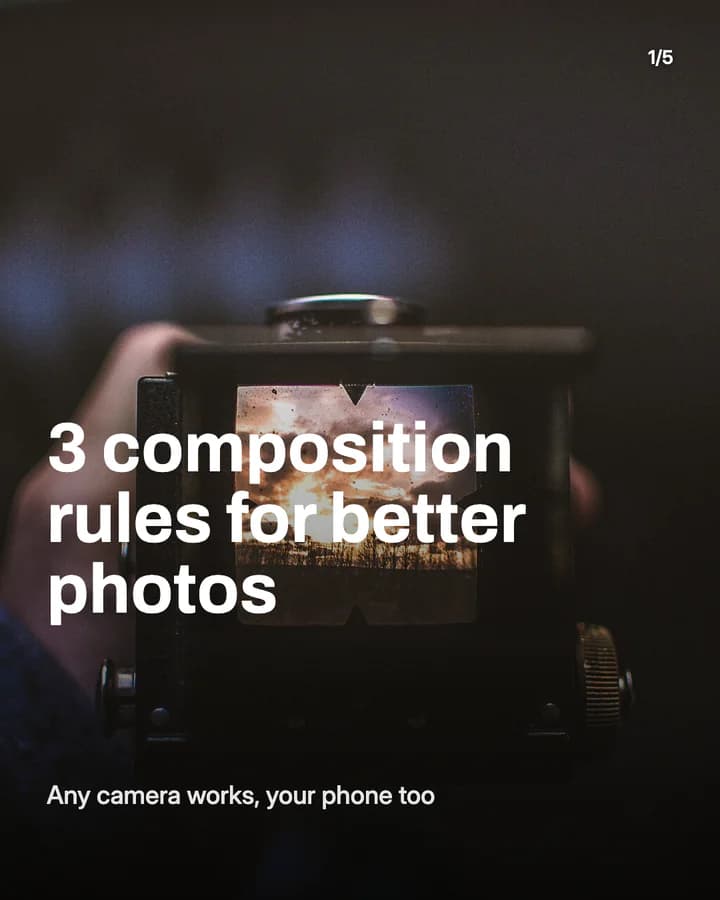
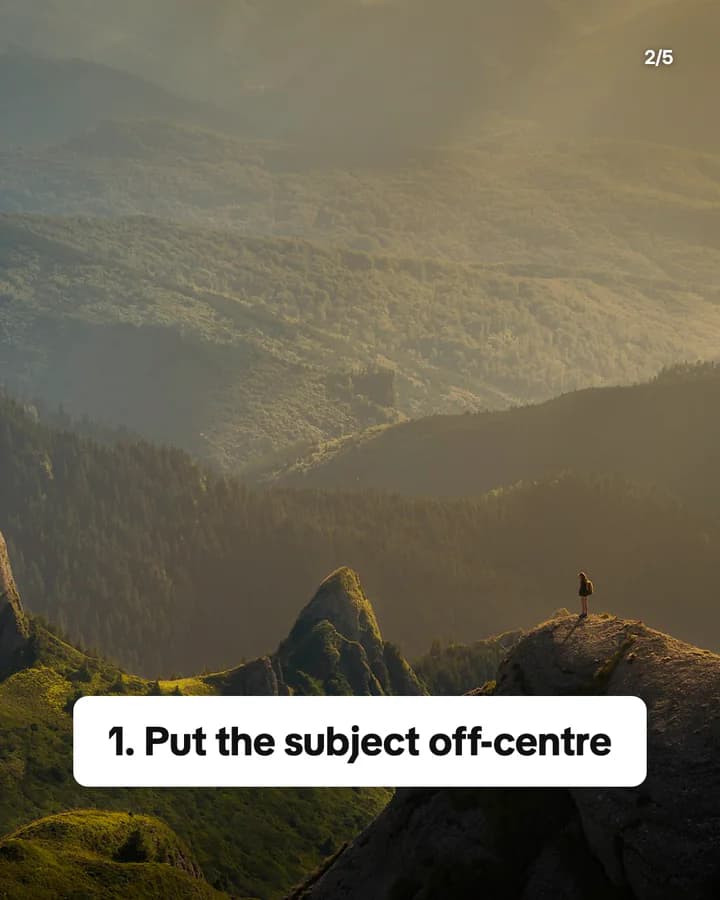
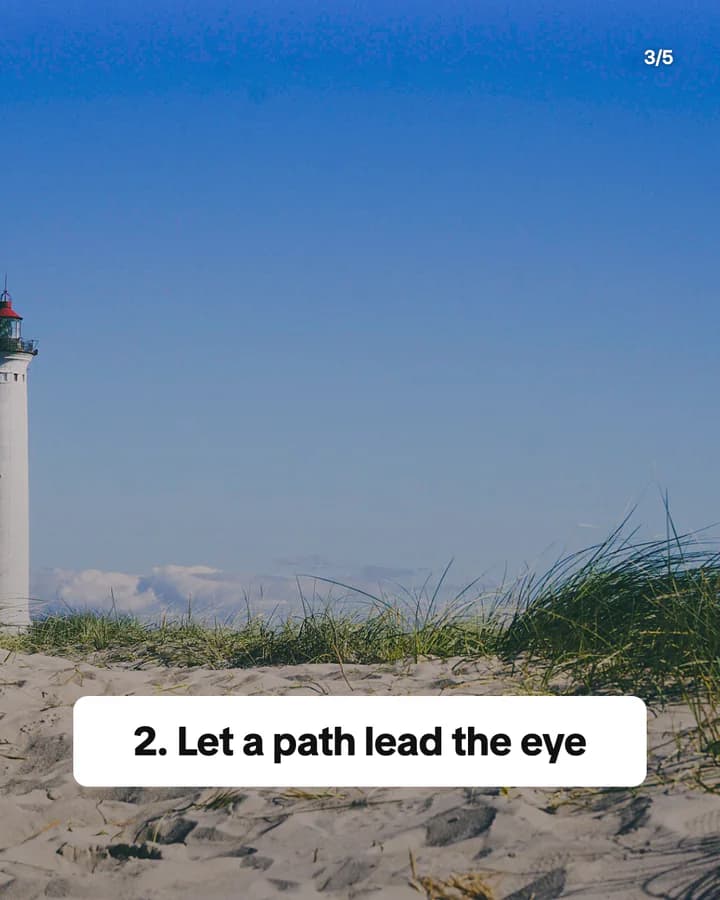
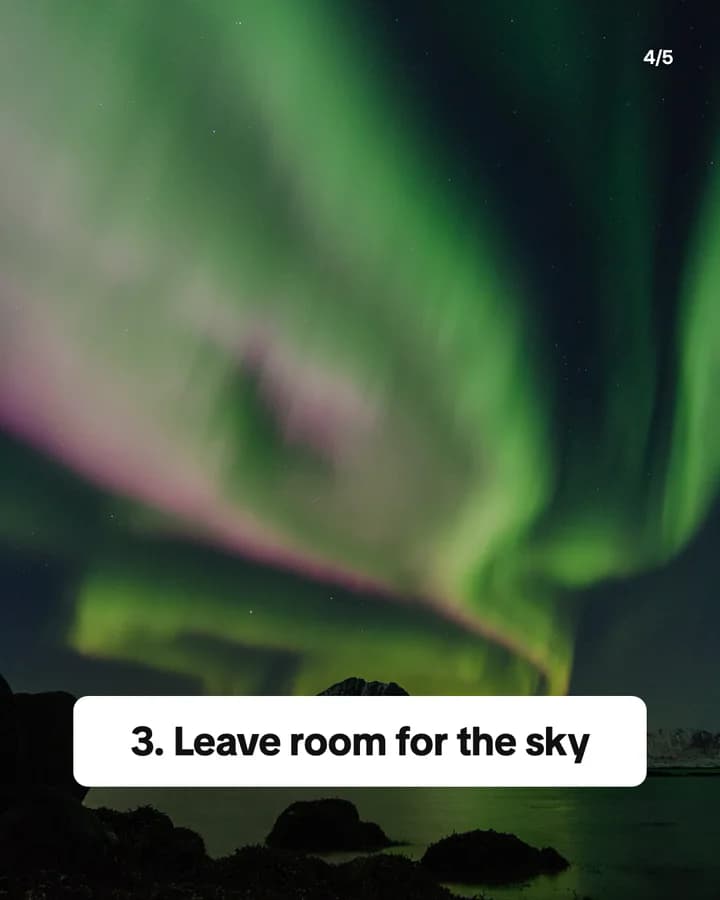
3 composition rules for better photos
5 slides · Listicle structure

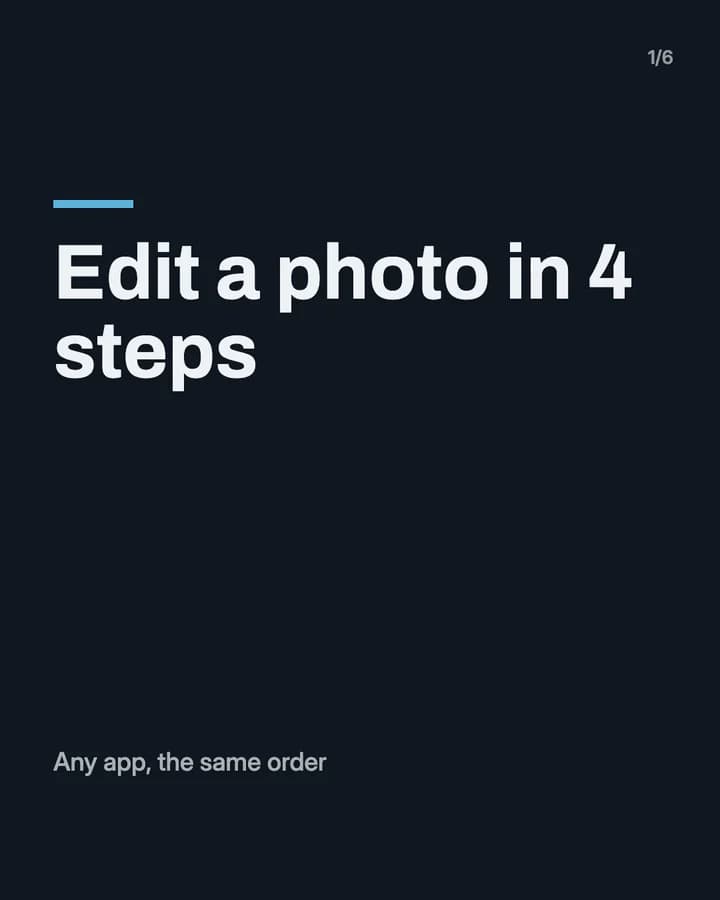
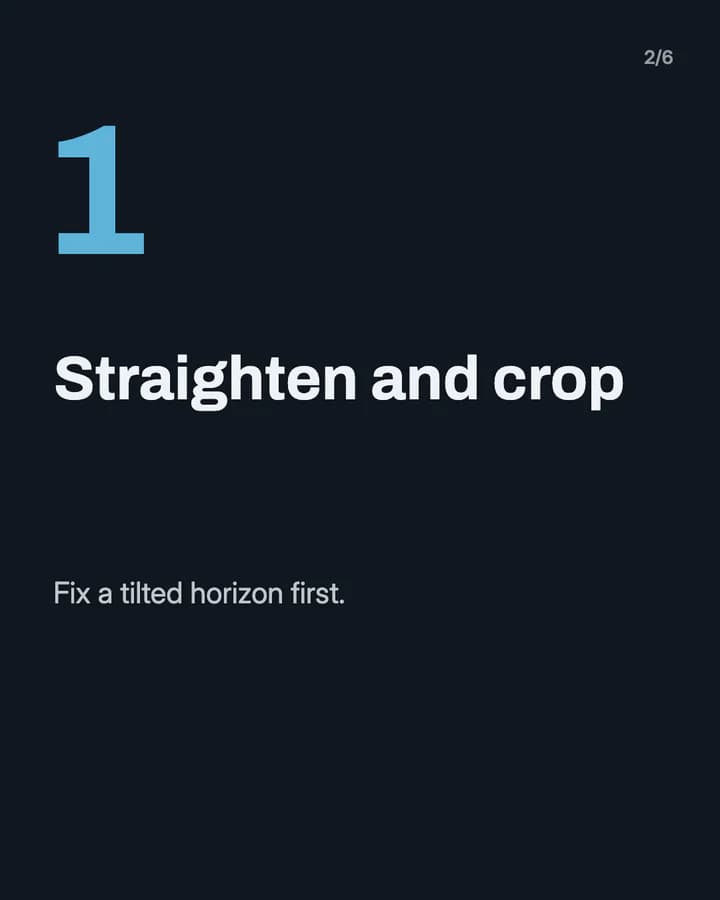
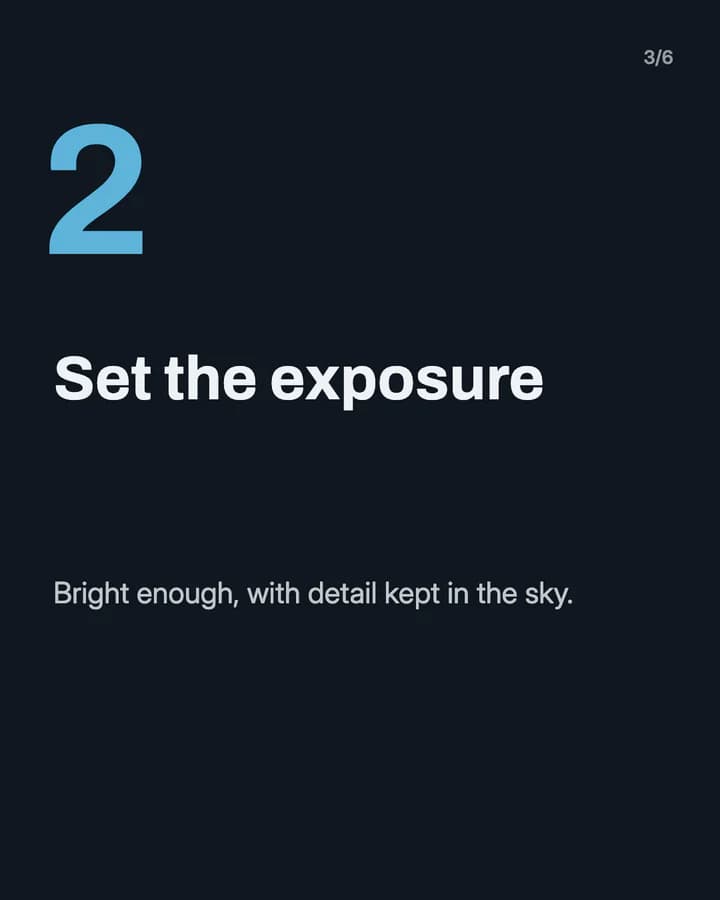
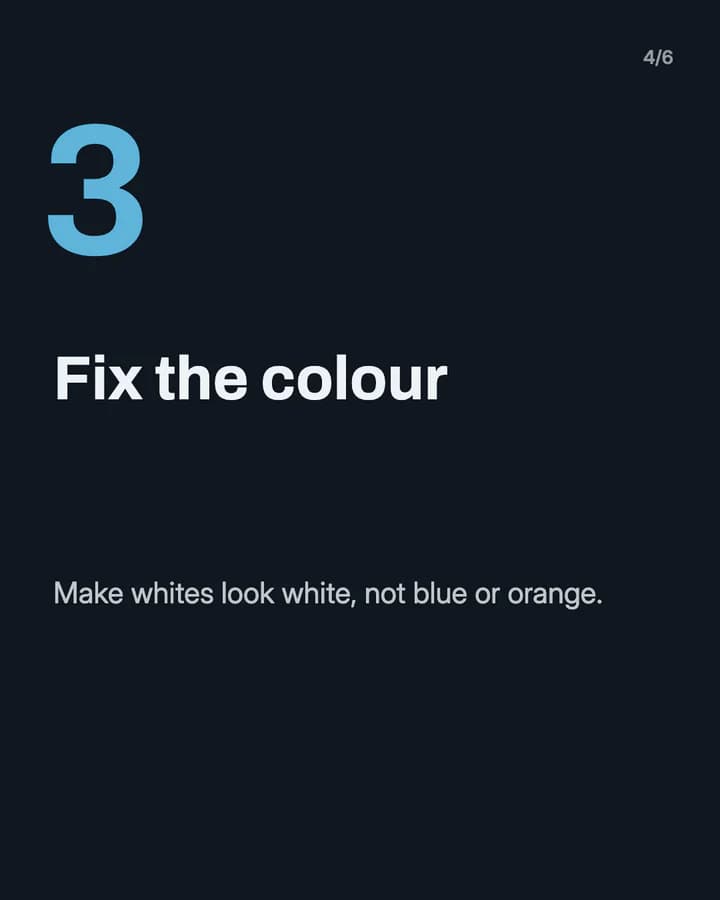
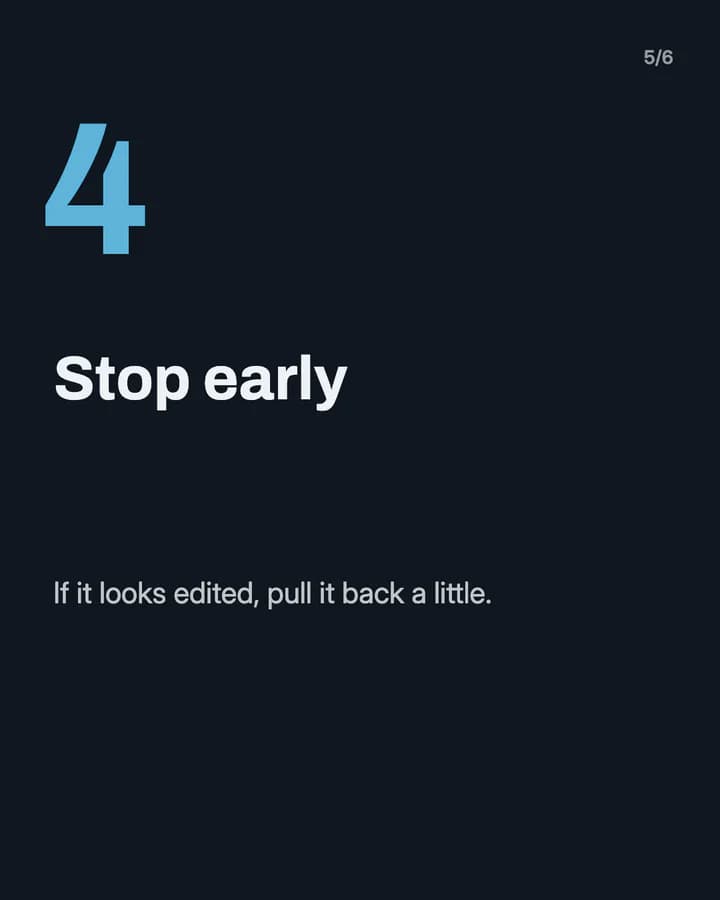
Edit a photo in 4 steps
6 slides · Step-by-step explainer look · Educational structure
10 hooks for photography slideshows
“3 composition rules for better photos”
Listicle. A number promises a short read, and every rule works on a phone too.
“Edit a photo in 4 steps”
Step-by-step. A short, fixed order is easy to copy in any editing app.
“Same place, 3 times of day”
Comparison. Side by side, the change in light teaches more than any explanation.
“Before and after my edit”
Before/After. People swipe to see the change, then want to know how you did it.
“Photography myths beginners believe”
Myth vs fact. Readers check whether they believe one, such as needing an expensive camera.
“The story behind this shot”
Story. A real story makes one photo feel earned and starts a conversation.
“My camera settings for golden hour”
How-to. Exact settings are a practical answer people save for the next sunset.
“Shots I almost deleted”
Story. It shows the misses next to the keepers, which feels honest and useful.
“Rate my last 5 photos”
Ranking. It invites followers to vote, so the comments fill up.
“Save this for your next photo walk”
Save prompt. It tells the reader the post is useful later, with a camera in hand.
Formats that fit
Each format is a look and a post structure you can pick in Wavegrain.
Numbered list
Listicle structure
Composition rules or photo spots, one per slide, each shown with your own photo.
Step-by-step explainer
Educational structure
An editing order or a camera setup, one step per slide, with the setting or slider named.
Editorial profile
Before/After structure
The raw file next to the final edit, with one line on what changed.
Myth vs fact
Educational structure
One beginner belief per slide, crossed out, with what actually makes a better photo.
TikTok caption story
Story structure
The story behind one shoot, told as captions over the photos from that day.
A week of posts
- Monday
- One composition rule, shown in three of your own photos.
- Tuesday
- A before and after edit, with the steps on the slides between them.
- Thursday
- The settings you used for one shot, one setting per slide.
- Friday
- A photo spot near you, with the best time of day to go.
- Sunday
- The story behind your favourite photo of the week, told in captions.
Rules to watch
- Post only photos you took or have the rights to, and credit the client, model or venue when the shoot was for someone else. Ask clients before you share their photos.
- Ask before a clear photo of a stranger's face goes in a post, and get a signed release for anyone you photograph for a paid job.
- If you made an image with AI or changed a photo a lot, label it. TikTok requires a label on realistic AI-generated or heavily edited content.
- If you post for a business, use sounds from TikTok's Commercial Music Library. If a brand gave you gear or paid for the post, turn on the paid partnership or branded content label.
Questions
What should a photography slideshow be about?
One thing your followers can try on their next walk: a composition rule, an editing order, a camera setting, or the story behind a shot. Put your own photo on each slide so the lesson is shown, not only told.
Can I show my client work in a slideshow?
Only with the client's agreement, and with credit where it is due. Check your contract, and leave out photos of private events or people who did not agree to be shown.
Do I have to label edited photos on TikTok?
Normal edits such as crop, exposure and colour need no label. TikTok asks for a label on AI-generated or heavily edited content that shows realistic scenes or people.
Does Wavegrain write the slides for me?
Yes. You give a topic, and Wavegrain writes the hook, 3 to 10 slides and the caption, places your photos, and keeps everything editable before you export or schedule it.
Which size should a photography slideshow be?
1080x1920 (9:16) fills the screen on TikTok. For an Instagram carousel, use 1080x1350 (4:5) or 1080x1440 (3:4). Wavegrain exports all three.
Keep going
- Carousel Hooks: How to Write a First Slide People Swipe
- How to Make a TikTok Slideshow People Actually Swipe Through
- Instagram Carousel Size in 2026: 4:5, 3:4, and Square Explained
- Turn a photo board into a carousel
- Let your AI make slideshows
- Slideshow ideas for fashion
- Slideshow ideas for pets
- All niches