Wedding slideshow ideas for couples and vendors.
Updated 30 October 2026
Two example slideshows
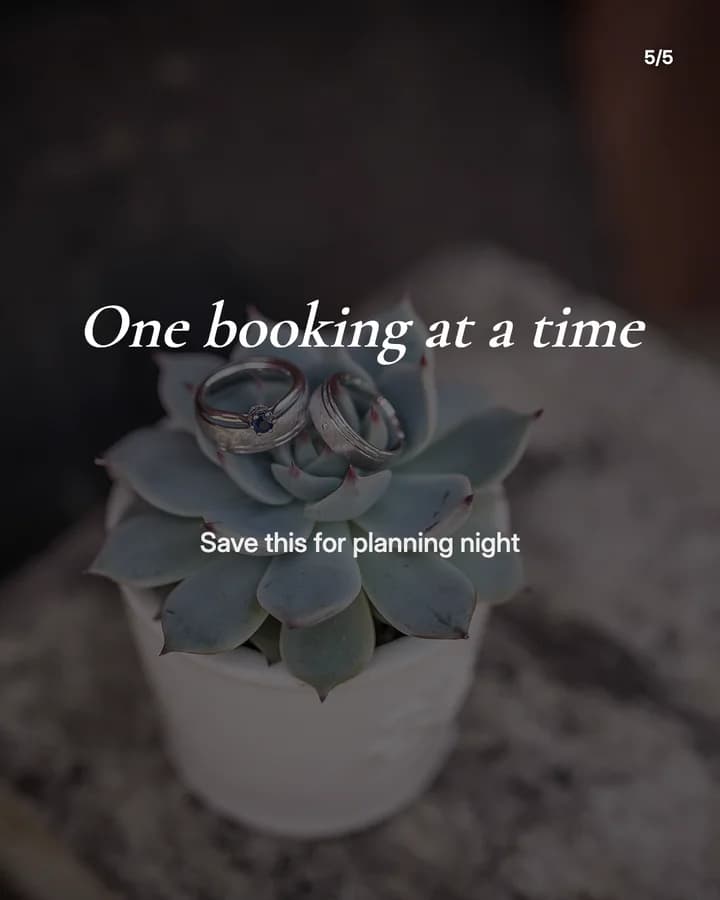
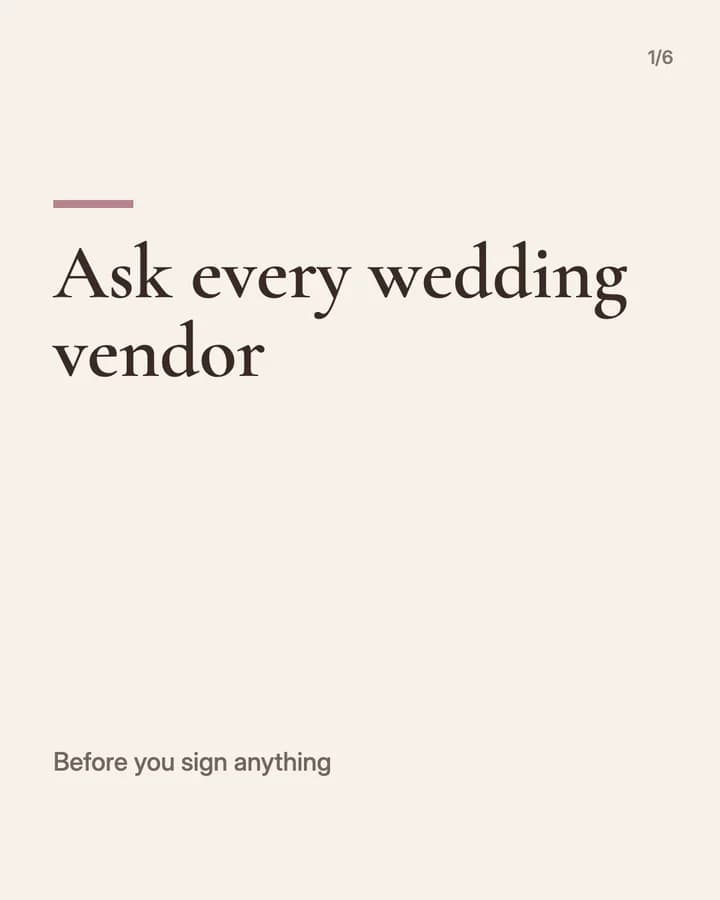
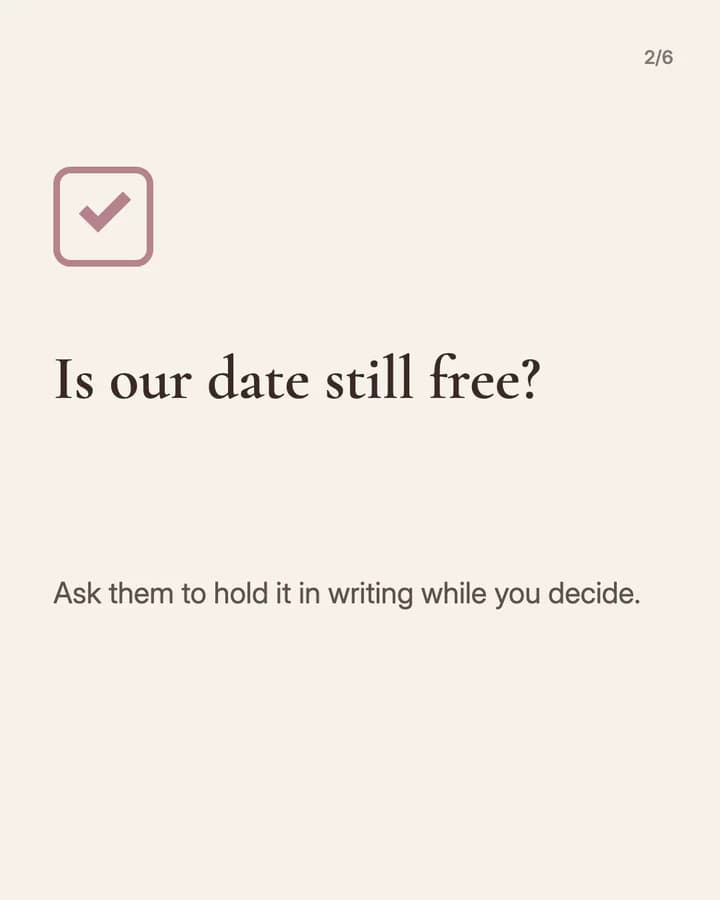
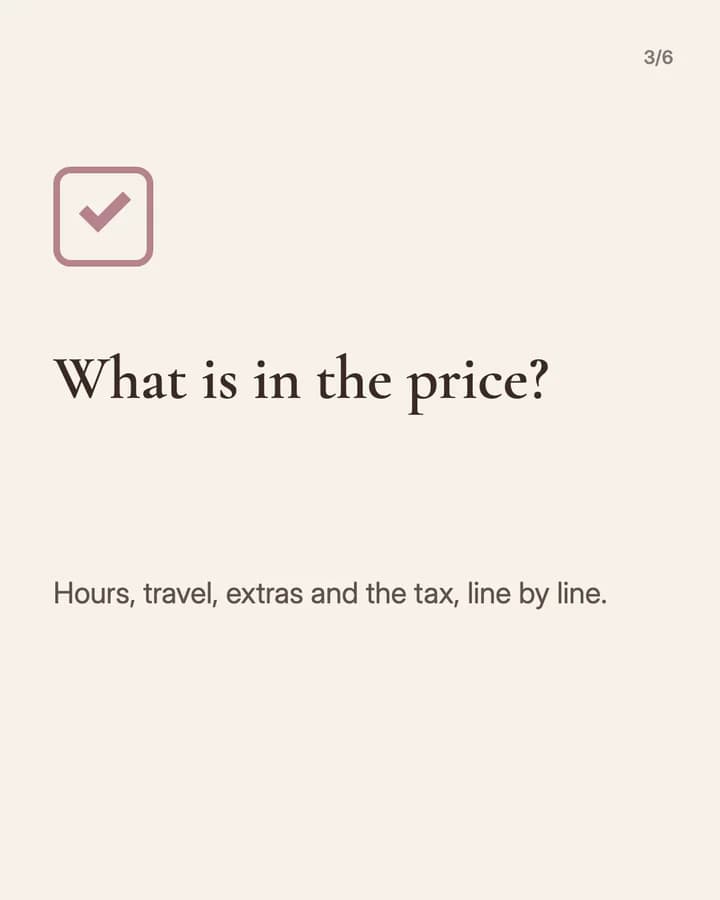
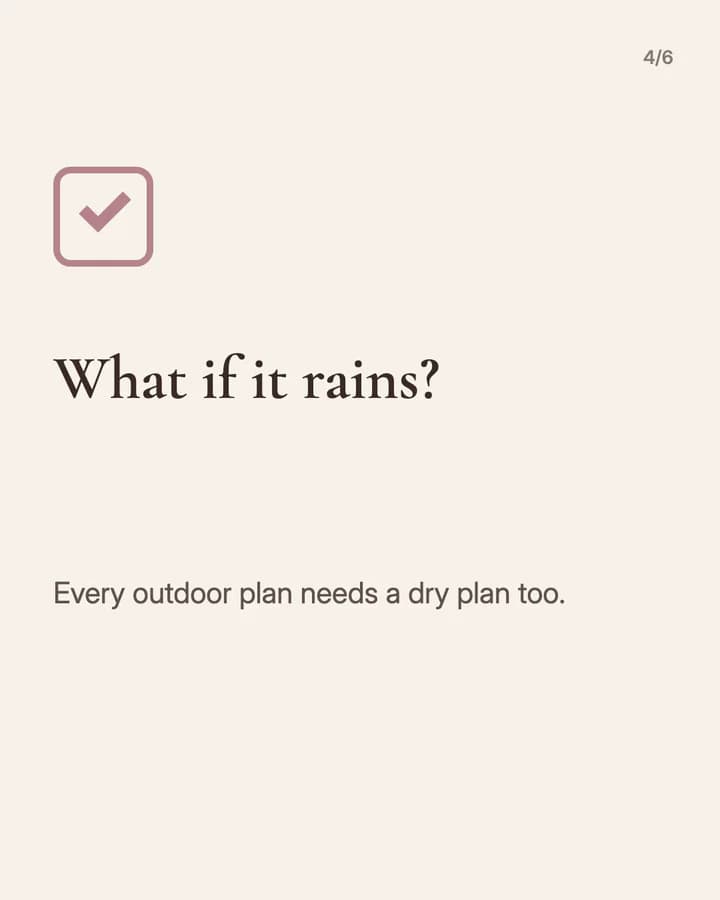
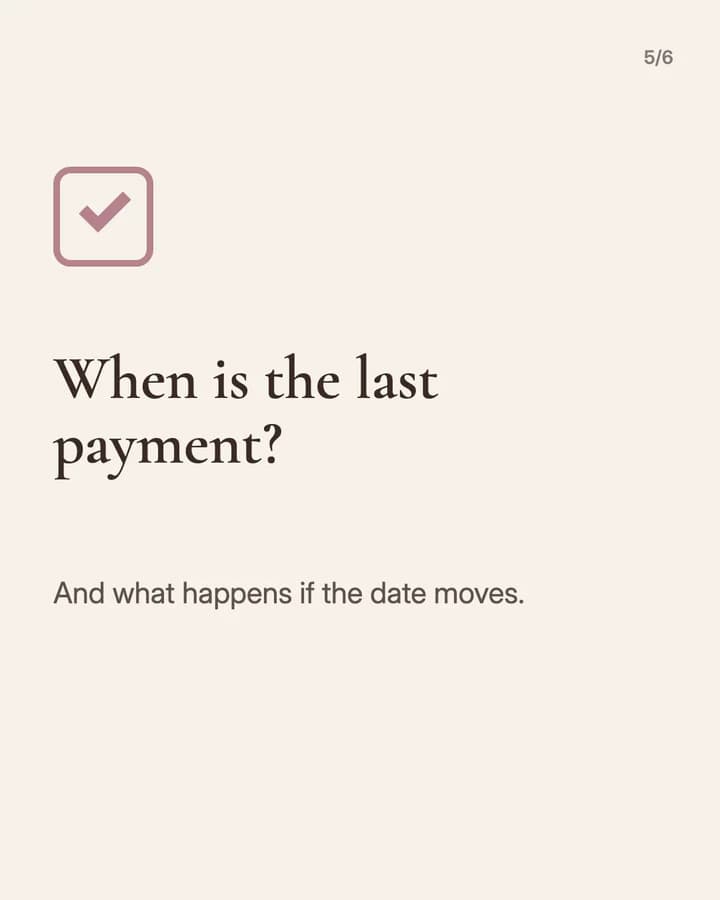
Wavegrain drew both with its own slide renderer, using free-licence photos. They are examples, not customer posts. Swipe through each one.
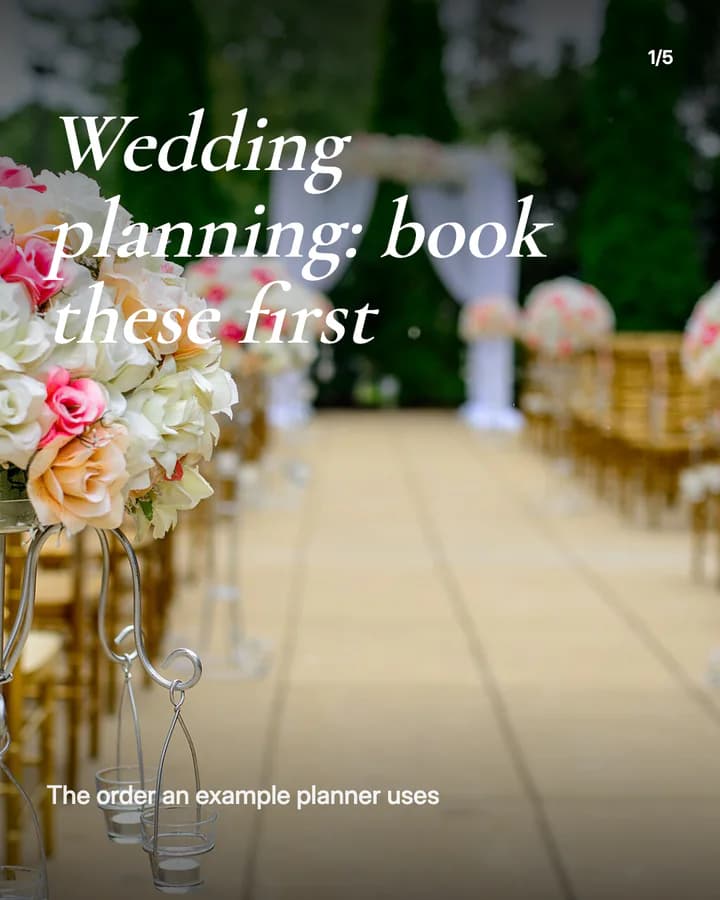
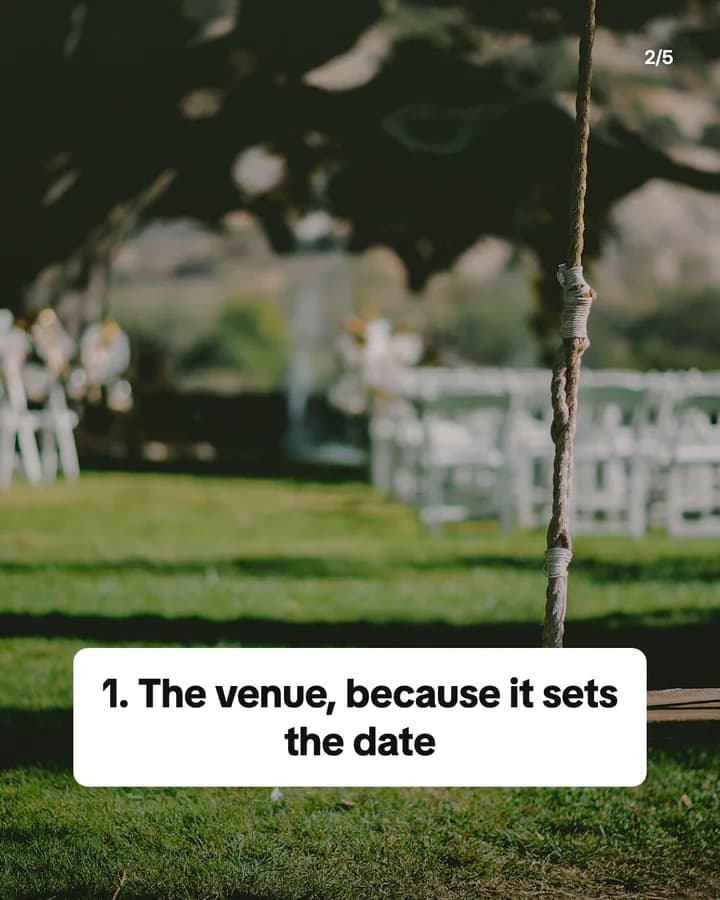
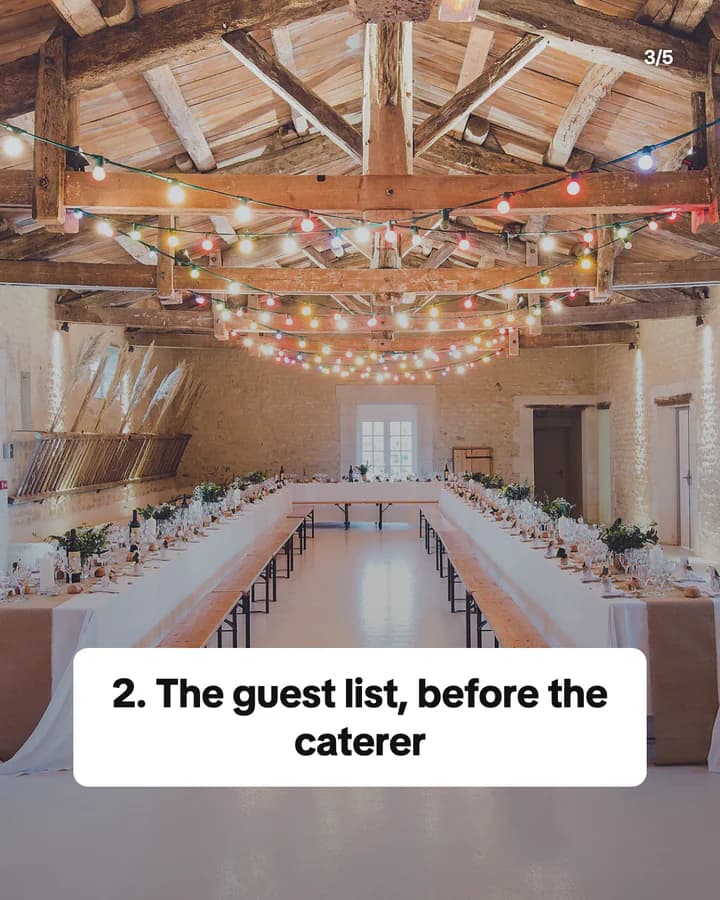
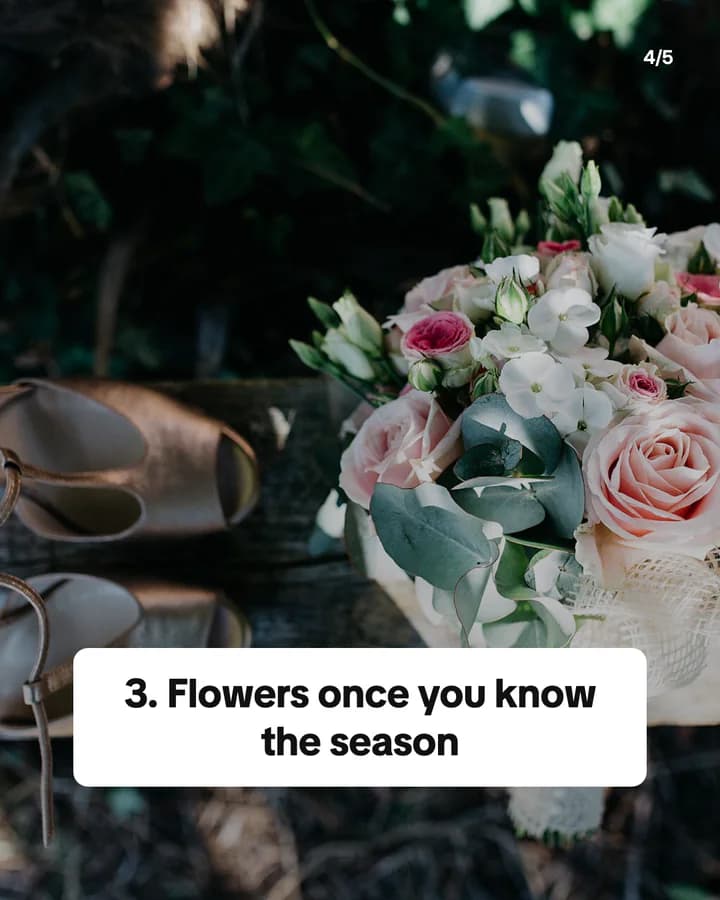
Wedding planning: book these first
5 slides · Listicle structure
Ask every wedding vendor
6 slides · Educational structure

10 hooks for weddings slideshows
“Wedding planning: book these first”
Listicle. Couples feel lost at the start, and an order of steps is easy to save.
“What our wedding actually cost, line by line”
Breakdown. Real numbers are rare, so people stop and compare them with their own.
“Questions to ask every wedding vendor”
Checklist. A list couples can take to their calls is a list they save.
“Things I would skip if we did it again”
Story. Honest regrets feel useful and invite other couples to share theirs.
“A florist's guide to flowers by season”
Educational. It answers a question couples ask every vendor, before they ask.
“Our wedding day timeline, hour by hour”
Routine. A full day in order is easy to follow and easy to copy.
“Rate these wedding favours from 1 to 10”
Ranking. A ranking invites people to agree or argue in the comments.
“What a wedding photographer wishes couples knew”
Story. It speaks from the vendor's side, which couples rarely hear.
“Rain plan ideas for an outdoor wedding”
Listicle. It answers the worry every outdoor couple has.
“Save this before you book a venue”
Save prompt. It tells the reader the post is useful later, when they need it.
Formats that fit
Each format is a look and a post structure you can pick in Wavegrain.
Numbered list
Listicle structure
Bookings in order, questions for vendors, or rain plans, one per slide.
TikTok caption story
Story structure
Your wedding day told as short captions over your own photos, one moment per slide.
Step-by-step explainer
Educational structure
A timeline or a planning checklist, step by step, from the first booking to the day.
Editorial profile
Before/After structure
For vendors: an empty venue next to the finished setup, with the couple's yes.
A week of posts
- Monday
- A planning list your followers can use, such as what to book first.
- Tuesday
- A vendor's view: the one thing they wish couples asked earlier.
- Thursday
- Favours, cakes or table ideas, ranked, with a question for the comments.
- Friday
- A real day's timeline, hour by hour, told in captions over your photos.
- Sunday
- A setup before and after, or a then and now from the engagement to the day.
Rules to watch
- Ask the couple, and any guest whose face shows, before you post photos from their day. Vendors should check what the contract says about using photos.
- Post only photos you took or have the right to share. TikTok asks you to post only content you created or have the right to share, and it removes content that breaks someone's intellectual property rights.
- If a brand paid for the post, sent you a dress, flowers or decor for free, or pays you a commission, turn on the platform's paid partnership or branded content label.
- If you use AI to make a realistic venue or dress photo, label it as AI-generated, and never present it as a real wedding.
Questions
What should a wedding slideshow be about?
Something a planning couple can use: what to book first, what a day costs, questions for vendors, or a real day's timeline. Vendors can show their work from setup to the finished day.
Can I post photos from a client's wedding?
Ask the couple first, and check your contract. Guests did not agree to be in your marketing, so leave out faces you have no yes for, or use details such as flowers, tables and rings.
Does Wavegrain write the slides for me?
Yes. You give a topic, and Wavegrain writes the hook, 3 to 10 slides and the caption, places your photos, and keeps everything editable before you export or schedule it.
Which size should a wedding slideshow be?
1080x1920 (9:16) fills the screen on TikTok. For an Instagram carousel, use 1080x1350 (4:5) or 1080x1440 (3:4). Wavegrain exports all three.
Can I make a wedding slideshow without showing faces?
Yes. Rings, flowers, tables, shoes and the venue carry a wedding post, and both examples on this page show no people's faces.
Keep going
- Carousel Hooks: How to Write a First Slide People Swipe
- How to Make a TikTok Slideshow People Actually Swipe Through
- TikTok Slideshow Ideas: 15 Formats You Can Reuse Every Week
- Turn a photo board into a carousel
- Let your AI make slideshows
- Slideshow ideas for photography
- Slideshow ideas for restaurants and cafés
- All niches