Faceless TikTok Ideas: 14 Posts You Can Make Without Showing Your Face
By Peter PhamUpdated on 7 min readReport a mistake
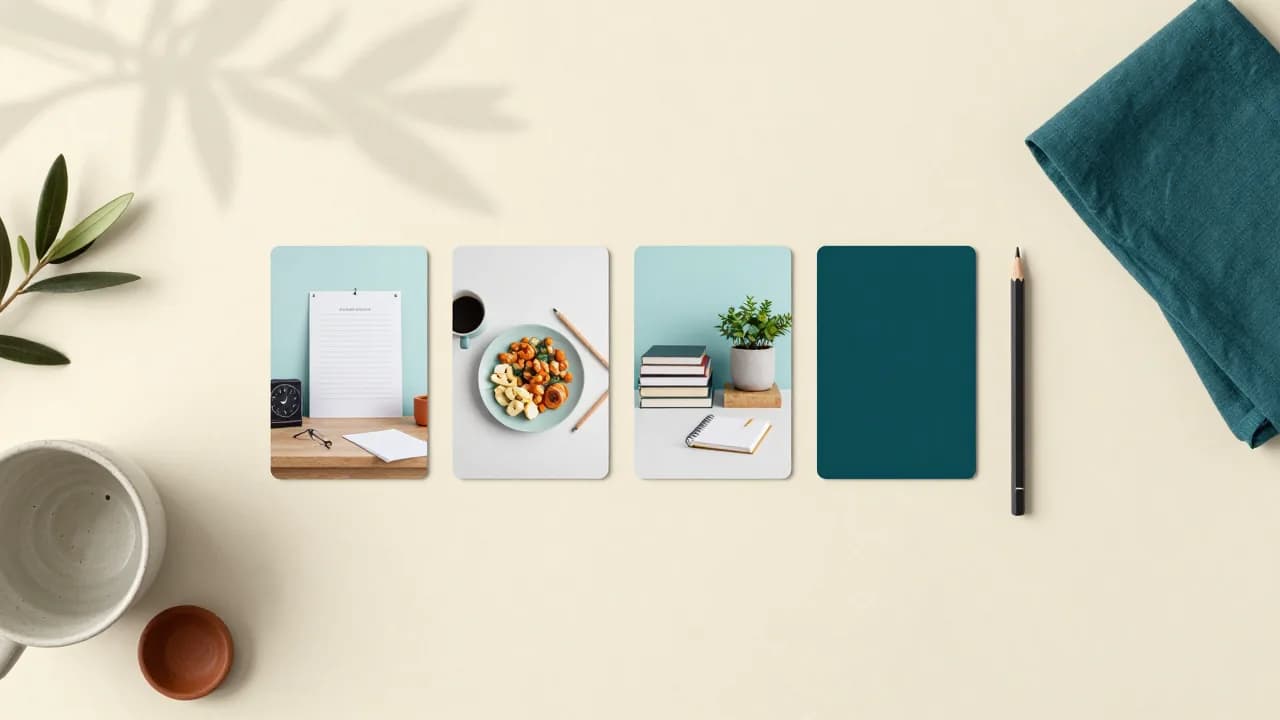
A faceless post replaces the person on camera with something else to look at: text, objects, places or screens. The ideas below come from Wavegrain's slideshow ideas by niche pages, picked for the ones that work with nobody on screen. Each has a first slide, a slide plan, the images it needs, and the one rule to watch.
If you are new to the format, start with the faceless TikTok slideshow guide, which covers sizes, text and posting.
Key Takeaways
- A faceless post needs a structure to hold attention: a list, steps, a comparison or a short story.
- Shoot what you already have: your desk, your dish, your shelf, your screen.
- Use only images you made or have the right to share; TikTok removes content that breaks someone's intellectual property rights.
- Label realistic AI images with TikTok's AI-generated content setting.
- Turn on content disclosure when a post promotes your own business or a brand that pays you.
The Rules That Apply to Every Idea
Three of TikTok's rules apply to every idea below.
On reused material, TikTok's Integrity and Authenticity guidelines say you should only post content you created or have the right to share. They also make content ineligible for the For You feed if it includes unoriginal or reused material without anything new. A slideshow of someone else's screenshots with no added text or view is the kind of post that rule describes.
On AI images, TikTok's help page about AI-generated content says creators must label AI-generated content that contains realistic images, audio or video. For a photo post, turn on the AI-generated content setting under Post settings before you post.
On selling, TikTok's page on promoting a brand, product or service says you must turn on the content disclosure setting when a post promotes your own business, or a brand that pays you or gives you something in return.
The 14 Ideas at a Glance
| Idea | What is on screen | Images you need |
|---|---|---|
| Money words explained | Text | Plain backgrounds or AI images |
| Split your pay into pots | Text and a simple chart | Plain backgrounds |
| A study method step by step | Desk, notes, timer | Your own photos |
| My revision week, day by day | Desk and calendar | Your own photos |
| Plant care myths | Plants | Your own plants |
| Why your plant's leaves turn yellow | Leaves close up | Your own plants |
| A recipe in four steps | The dish at each stage | Your own cooking |
| Pantry staples | Jars and shelves | Your own kitchen |
| Books by mood | Books on a shelf | Your own copies |
| A trip without rushing | Places | Your own trip photos |
| Small room, bigger feel | A room before and after | Your own room |
| One shirt, styled three ways | Flat lays | Your own clothes |
| App tips from screenshots | Screens | Your own app, data hidden |
| From blank page to finished piece | The work in stages | Your own art |
Text-Led Ideas
These need no photos of your own, only backgrounds you may use.
1. Money Words Explained
Open with "Money words nobody explained to me", explain one term per slide in plain words, and end on a slide that says the post is general education. Do not tell people what to buy or sell, and never promise a return. TikTok's rules on regulated and commercial activities do not allow financial scams such as get-rich-quick schemes.
2. Split Your Pay Into Pots
Open with "Split your pay into 3 pots", give one pot per slide with what it is for, and close with a slide that tells readers to pick their own split. The same care applies as above: it is an example, not advice.
Ideas You Shoot at Your Desk
3. A Study Method, Step by Step
Open with "The 25-minute study block" and show the method in four or five steps, each over a photo of your desk, a timer or your notes. Never post exam papers, test answers or another student's notes.
4. My Revision Week, Day by Day
Give each day its own slide: a photo of that day's desk and one line on what you covered. Keep classmates' faces and names out, and keep your school vague.
Ideas From Your Home
5. Plant Care Myths
Open with "Plant care myths I believed for years", then one myth per slide over a photo of the plant, with the plain fact underneath. Some house plants are harmful to pets or children, so say so when you show one.
6. Why Your Plant's Leaves Are Turning Yellow
Give one cause per slide with a close-up of a leaf, then a last slide on what to check first. Use photos of your own plants.
7. A Recipe in Four Steps
Open with "Meal prep in 4 steps" and shoot each stage from above, so no face appears, with the finished dish last. Name the main allergens, and show the dish you made rather than an AI picture of it.
8. Pantry Staples
Open with "5 pantry staples I always keep", one item per slide with what you cook with it. If a brand sent you any of it, turn on content disclosure.
9. Books by Mood
Open with "Books that feel like a rainy Sunday", one book per slide on your shelf or table, with one line on the mood. Use your own photo of the book, quote only a short line, and warn before spoilers.
10. Small Room, Bigger Feel
Show the before, one change per slide, then the after. Leave out the outside of your home and anything that shows where you live.
11. One Shirt, Styled Three Ways
Open with "One white shirt, styled 3 ways" and lay out one outfit per slide on the bed or the floor. If a brand paid you or sent the clothes, turn on content disclosure.
Ideas From Places and Screens
12. A Trip Without Rushing
Open with "3 days in one city, without rushing", one day or one stop per slide, in your own photos. Prices and opening times change, so say when you checked them.
13. App Tips From Screenshots
Open with "The setting most people never find", then one tip per slide, each a cropped screenshot with an arrow or a circle. Hide names, emails and customer data before you post, and show the product as it works today.
14. From Blank Page to Finished Piece
Take five to eight photos of the same work at each stage and end on the finished piece. Post only work you made, and label a realistic AI image as AI-generated.
Can a Faceless TikTok Make Money?
It can earn the same ways any account does, such as selling your own product or posting for a brand that pays you. TikTok then requires the content disclosure setting, and the post is labelled as Promotional content or Paid partnership. We do not publish income figures for faceless accounts, because no source we trust measures them, and promises of easy money are what TikTok's rules on scams describe. For how TikTok's own payouts treat photo posts, see the guide to TikTok slideshow monetization.
How Do You Turn an Idea Into Slides?
Write the hook first, then one point per slide, and keep each slide short enough to read at a glance. The TikTok hook ideas post has more first lines, and the free TikTok slideshow maker puts your photos and text into 1080x1920 slides in your browser.
Wavegrain writes the slide text from a topic in the format you pick and fills the slides with photos from your own collection. With Collection + AI, it makes an AI image for each slide your collection cannot fill. It exports 1080x1920 PNG files for a TikTok photo post. If any slide uses a realistic AI image, turn on TikTok's AI-generated content setting when you post.
Frequently asked questions
- What can I post on TikTok without showing my face?
- Photo posts built from text, objects and places: tips explained one per slide, a recipe in photos of your dish, a book list shot on your shelf, a room before and after, app tips from screenshots, or a trip told in your own photos. Each needs a clear hook on slide 1 and one point per slide.
- Can you make money with a faceless TikTok?
- Faceless accounts earn the same ways other accounts do, for example by promoting their own product or a brand that pays them, and TikTok then requires the content disclosure setting. We do not publish income figures: what an account earns depends on its audience and offer, and TikTok bans get-rich-quick schemes.
- Do I have to label AI images on TikTok?
- Yes, if they look realistic. TikTok's help page says creators must label AI-generated content that contains realistic images, audio or video. For a photo post, turn on the AI-generated content setting under Post settings before you post.
- Can I repost other people's clips on a faceless account?
- Only content you created or have the right to share. TikTok's Community Guidelines remove content that breaks someone's intellectual property rights, and they make unoriginal or reused material without anything new ineligible for the For You feed.
- Which faceless ideas are easiest to start with?
- Ideas you can shoot at home with things you already have: a recipe, a book list, plant care, a study method or a room change. Text-led ideas such as money words explained need no photos of your own at all, only images you may use as backgrounds.